WhatsApp Integration
1. Feature Introduction
Integrate your purchased WhatsApp App protocol number into the SaleSmartly system. Through the system, you can use the WhatsApp protocol number for related operations (e.g., sending/receiving messages, automation features, unified message management, etc.). The WhatsApp protocol number functions the same as a regular account but has a different login method.
| 📢 Notice: SaleSmartly supports integrating WhatsApp protocol numbers but currently does not provide WhatsApp protocol number purchases or registration. |
|---|
2. Operation Process
Ensure you have successfully purchased a valid WhatsApp App protocol number.
2.1. Add a Device
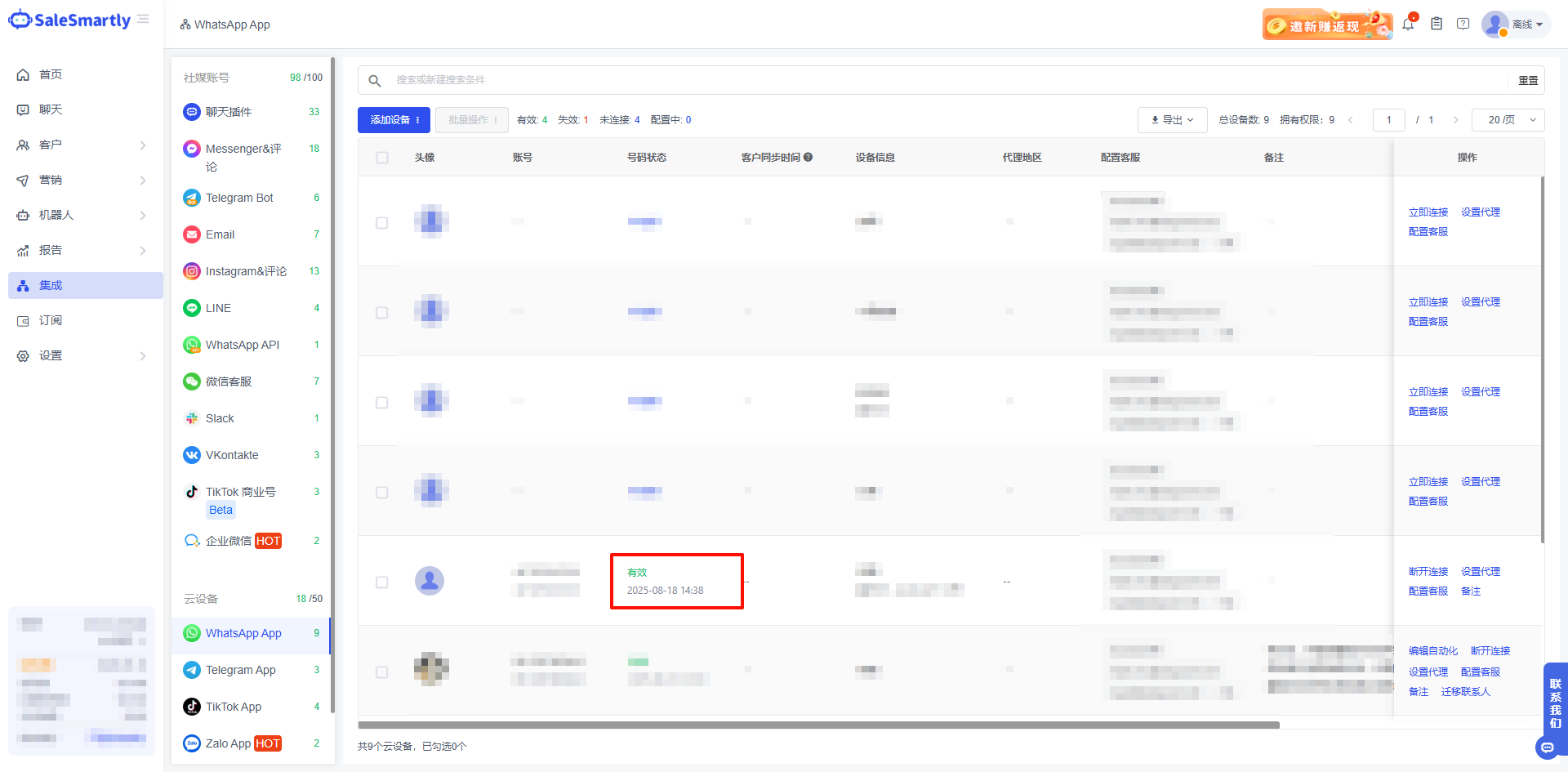
Click Integration, select WhatsApp App. Click Add Device and select Third-Party Login.

2.2. Configure Basic Device Information
On the "Add Device" page, configure the following basic information:
- Device IP Region: From the dropdown menu, select the IP region associated with the WhatsApp protocol number device.
- Proxy Setup: Choose whether to enable a proxy.
After completing the above configurations, click the Confirm button to proceed to the next step.

2.3. Bind the WhatsApp Protocol Number
After completing the previous step, the system will automatically redirect or prompt you to enter the specific details of the WhatsApp App protocol number.
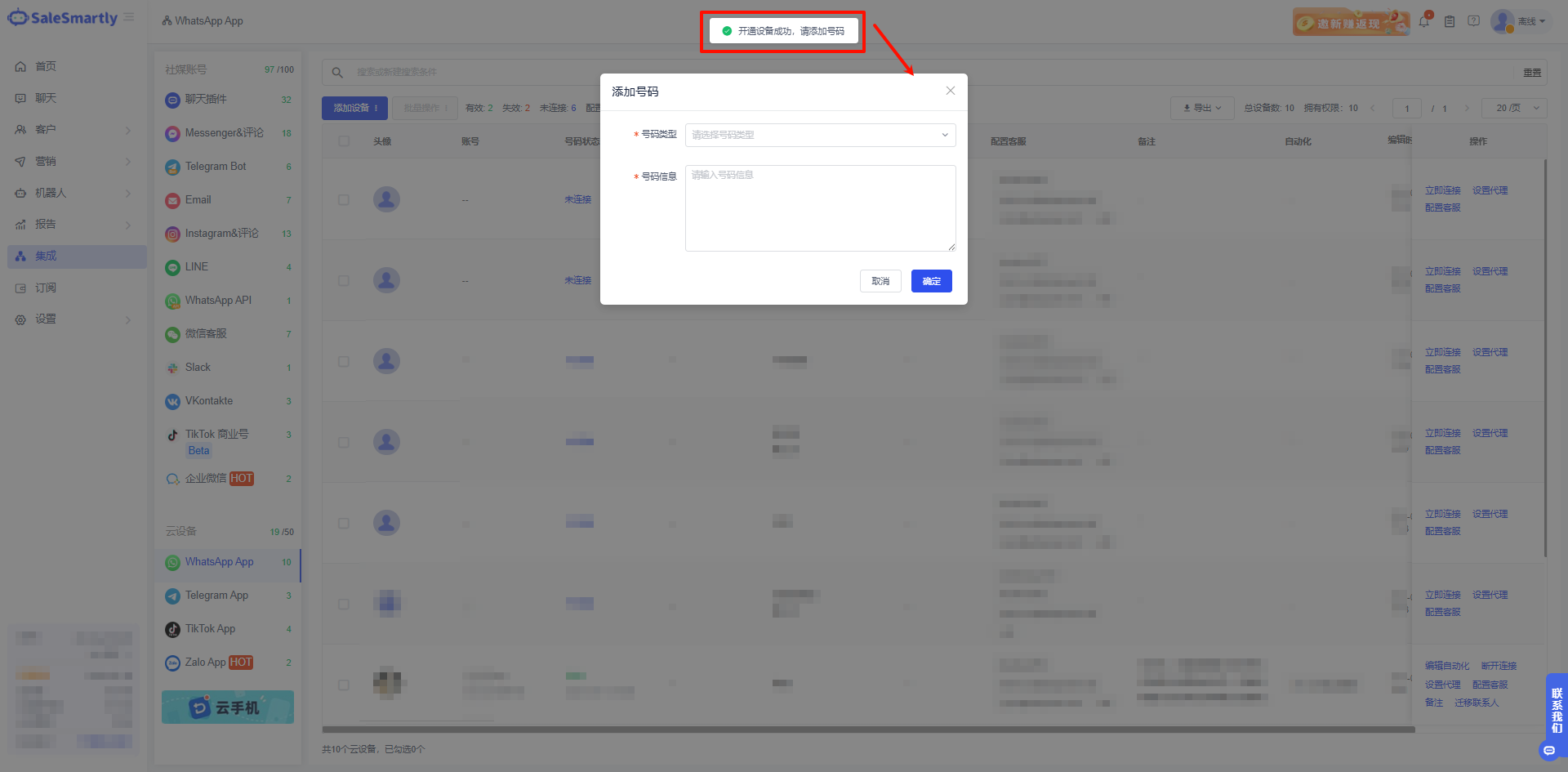
In the corresponding input fields, accurately fill in the WhatsApp protocol number information. After carefully verifying the entered details, click Confirm.
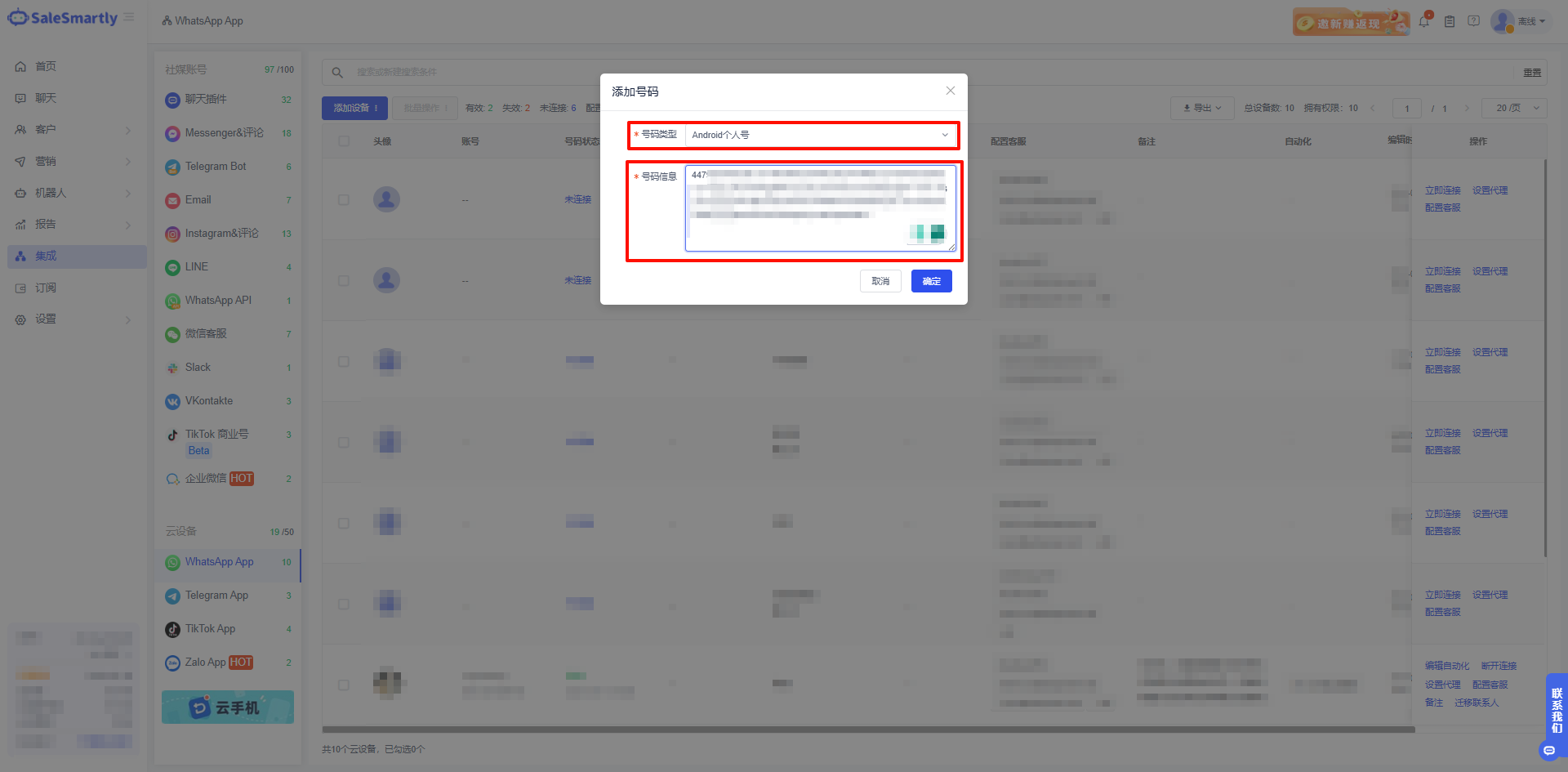
2.4. Complete Integration
Once successfully integrated, you can view the bound protocol number in the WhatsApp App device list within the system.