SaleSmartly Chat
1. Understanding the SaleSmartly Chat Page for Social Media Integration
Live Chat is divided into three sections: information bar, dialog box, and customer information.

1.1. Information Bar
All messages sent by customers through various channels will be displayed in the information bar. The information bar provides three filtering methods:
1.1.1. View
Users can group conversations based on visitor tags, social media accounts, email addresses, mobile phone numbers, last reply time, and conversation types.

1.1.2. Account Type
Filter information based on different social media accounts.

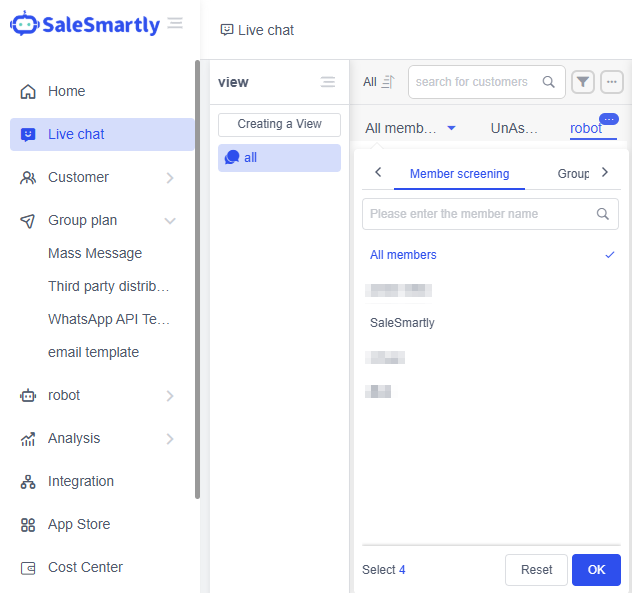
1.1.3. Customer Service Member
You can filter by the agent or group they are in, and also include unassigned and bot-hosted conversations.
1.2. Dialog Box
The dialog box allows sending in multiple formats, including labels, voice, audio, pictures, videos, and attachments. You can also set quick replies for common customer questions to improve response efficiency. After the service is over, you can send a review invitation to the customer. At the end of the conversation, simply click the End Conversation button in the upper right corner to archive the conversation.

1.3. Customer Information Management
The system includes four modules: customer information, session information, script library, and order management. Users can view basic information such as the customer's source channel and geographic location, and can also customize the content of the session and script library. For e-commerce companies, they can create order information on their own and have a more detailed understanding of the customer's purchase details.

2. Chat with Customers
After ending the conversation, if you need to find the chat information again or contact the customer, you can find the customer in the customer information and use the chat back function to start the conversation again.

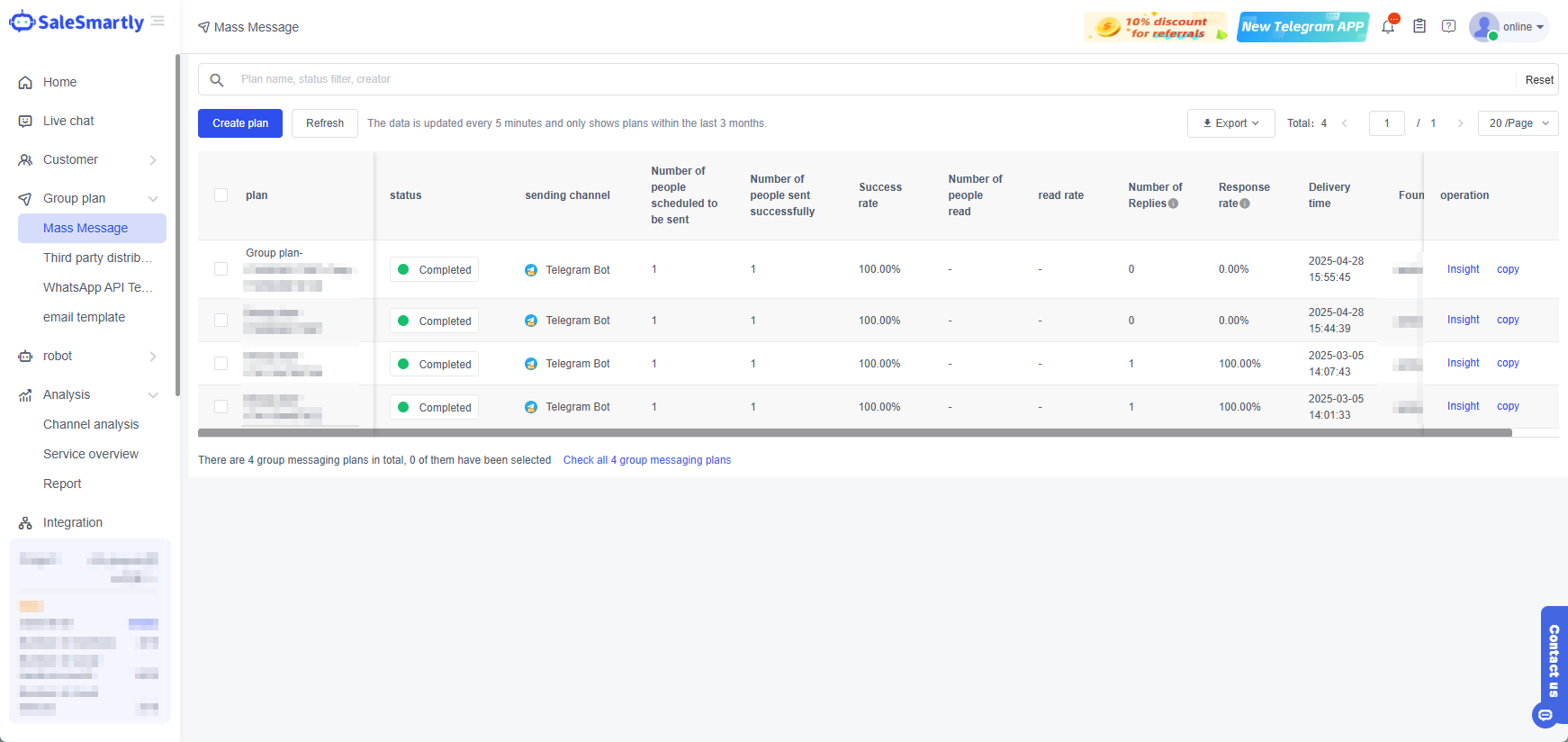
3. Send Bulk Messages to Customers
Send tailored campaigns to multiple customers at once via WhatsApp APP, Facebook, Email, Telegram bot, Instagram, TikTok, Telegram, and LINE. Personalize content using merge tags and track open/response rates to refine outreach.