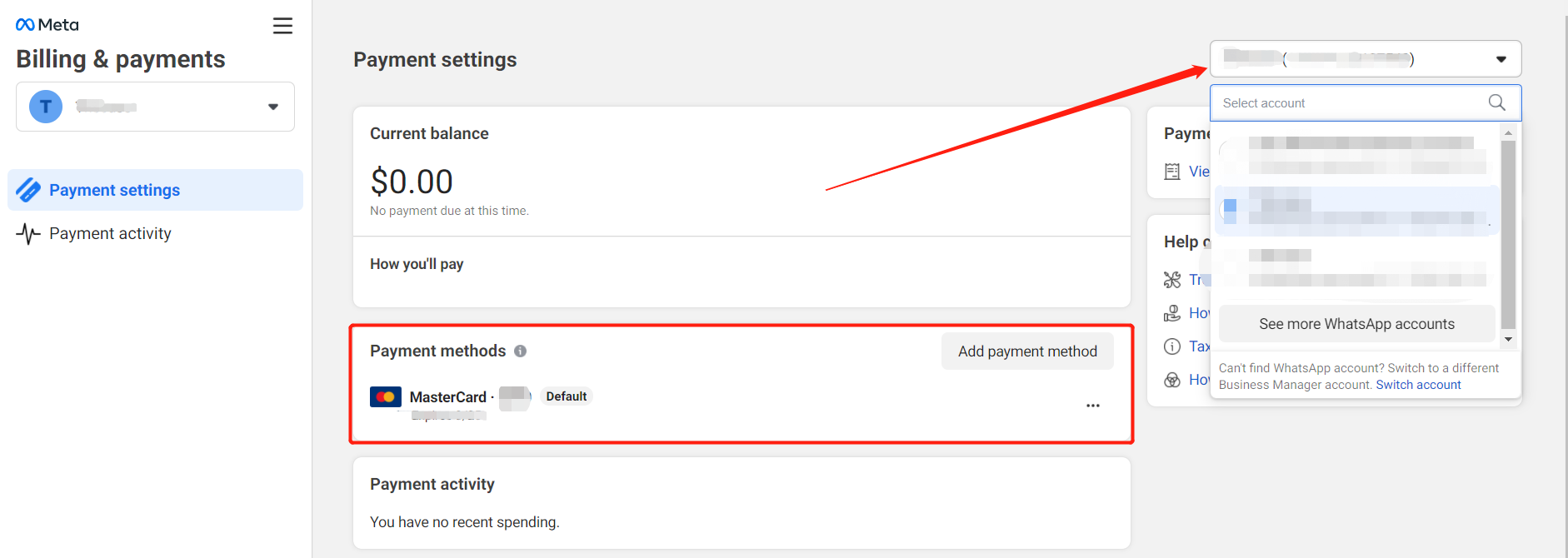
Manage WhatsApp Accounts
Easily access Meta Business Suite and manage multiple WhatsApp accounts.
1. Access Meta Business Suite
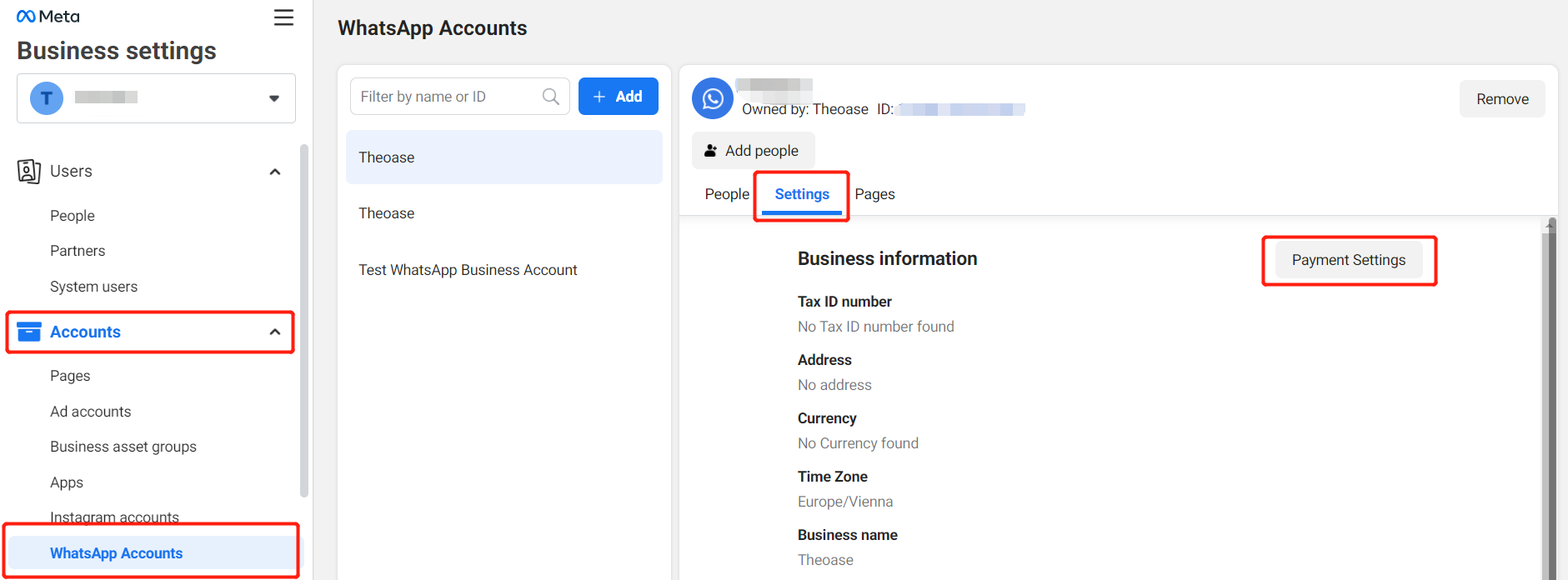
Go to your FB management page at: https://business.facebook.com/settings/whatsapp-business-accounts
2. Add Payment Details
In the BM administrator, enter the WhatsApp Account management and enter the payment settings page.
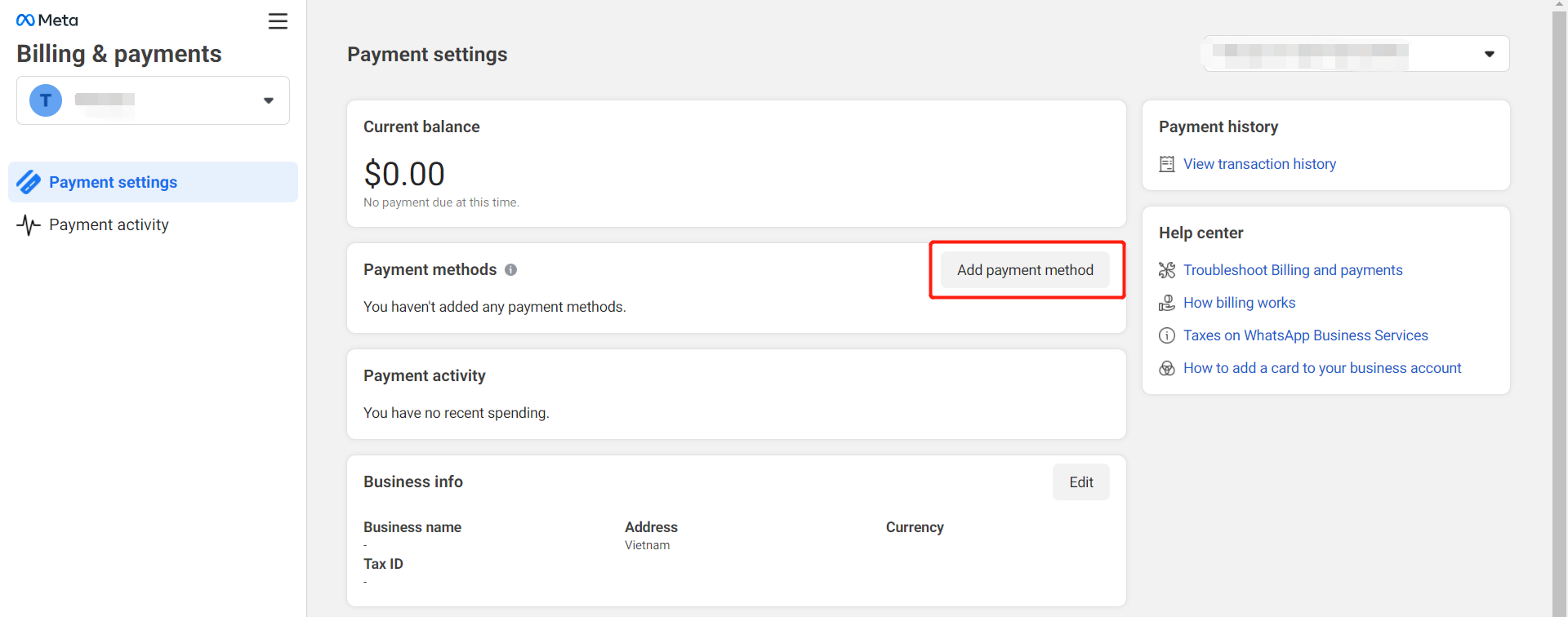
After entering the page, click on Add Payment Method.
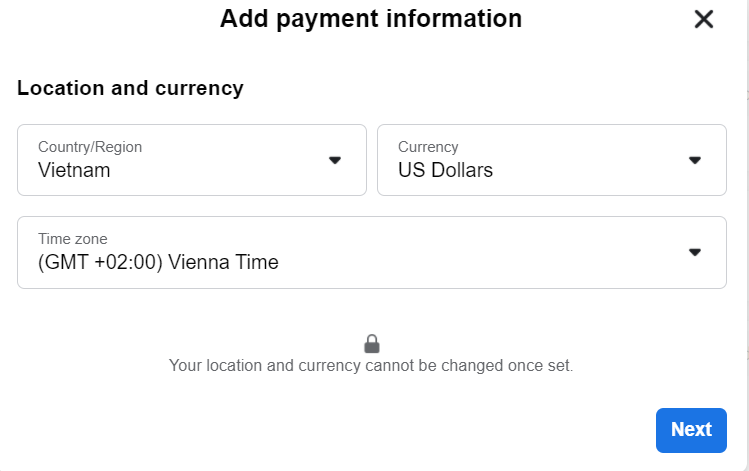
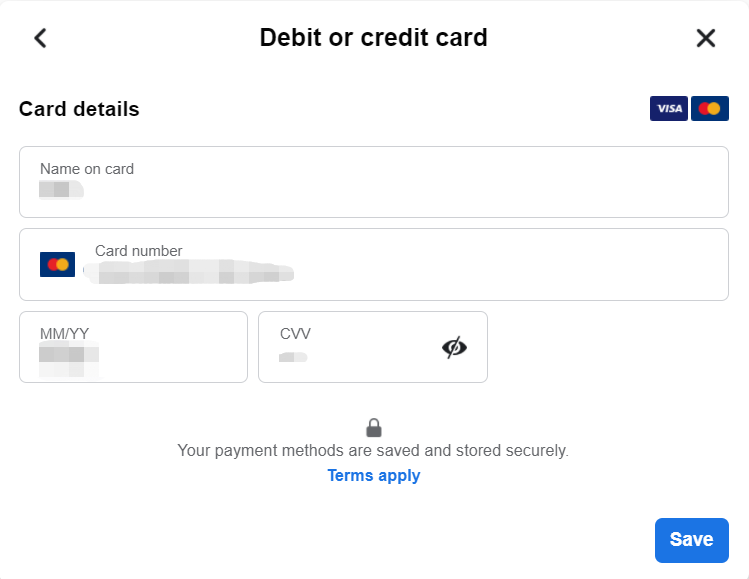
3. Enter Credit Card Details
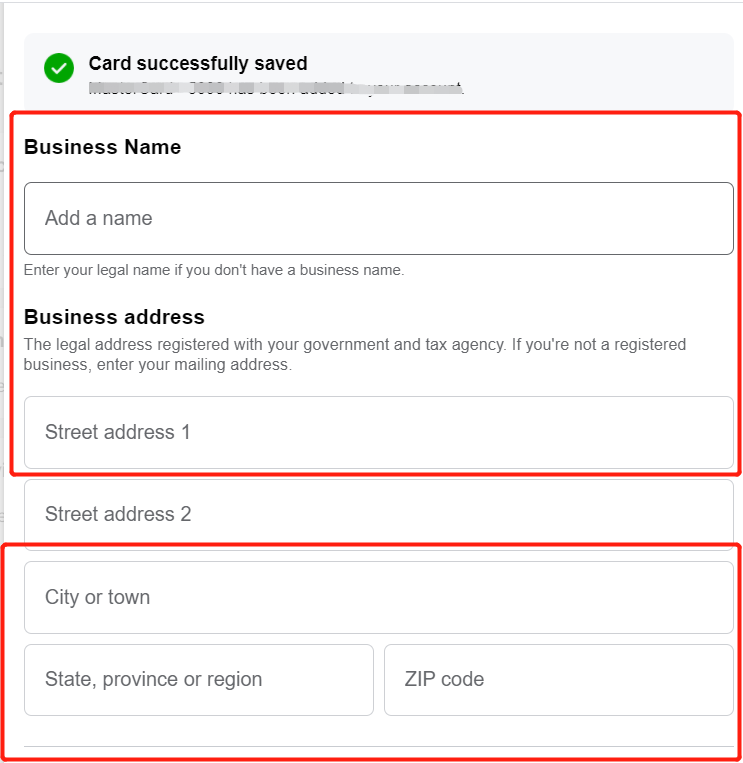
You need to add credit card information. It is recommended to fill in the information outside the United States.
4. Manage Multiple WhatsApp Accounts
If there are multiple WhatsApp Accounts that need to be linked, you can click on the upper right corner to switch to quick connection.