PartnerShare Promotion Guide
1. PartnerShare Promotion Background
Log in to https://affiliate.partnershare.net/login?product_id=3238
1.1. Register an account
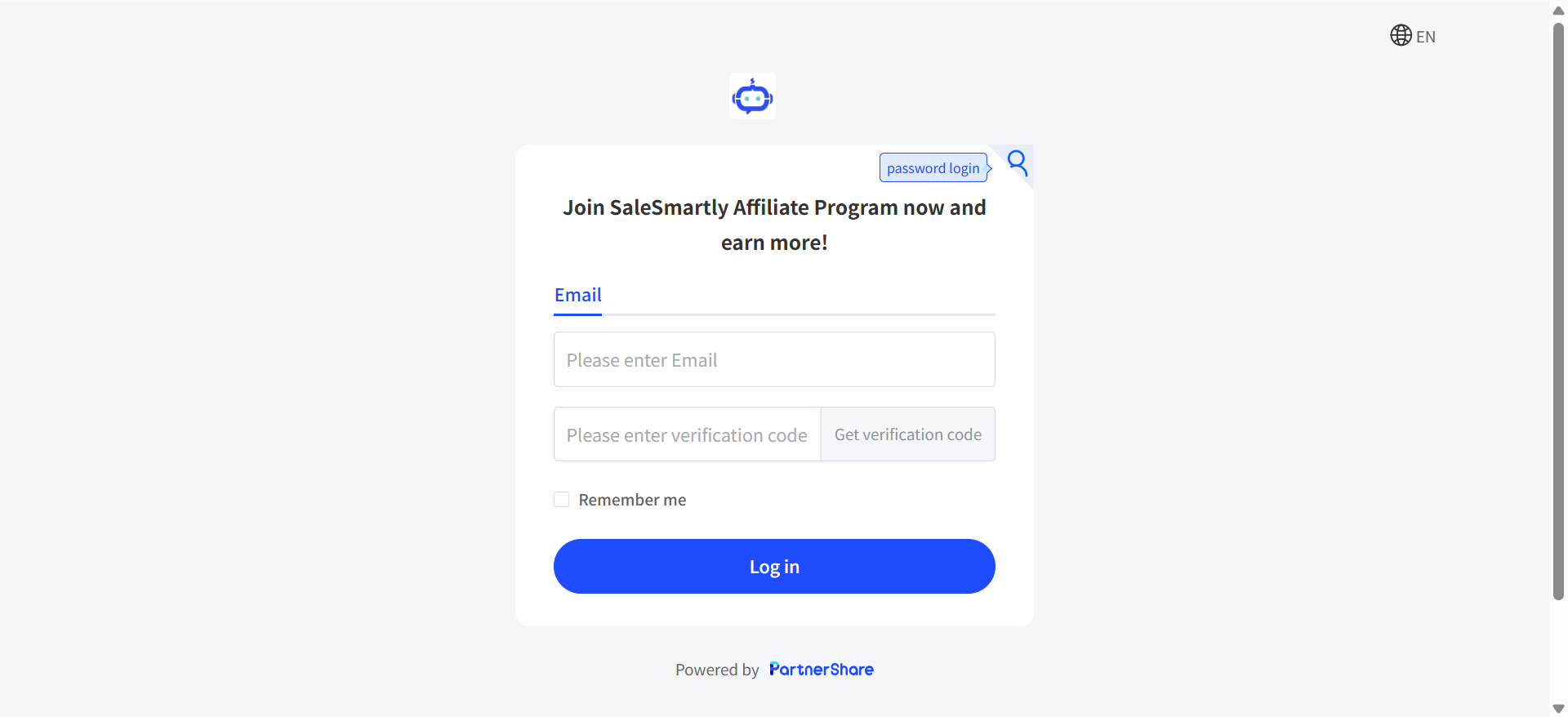
Enter mobile phone number or email address to register for an account.
1.2. Log in to your account
Log in to your account and enter the PartnerShare dashboard.
2. Promotion Rebate Interface Operation Guide
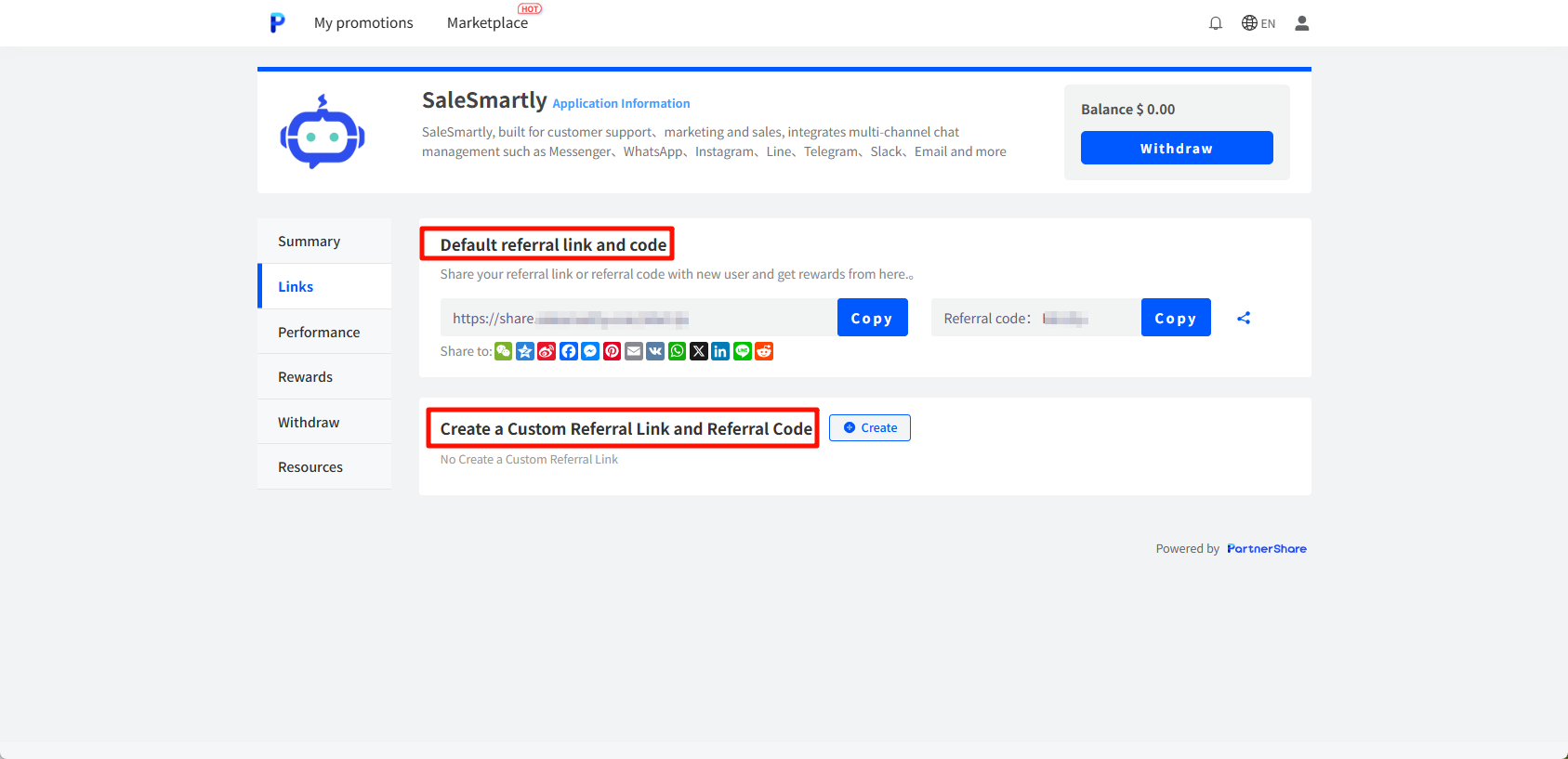
2.1. In the menu bar Link, get the promotion link
- You can customize the link/invitation code, classify your different channels, and measure the promotion influence of different channels
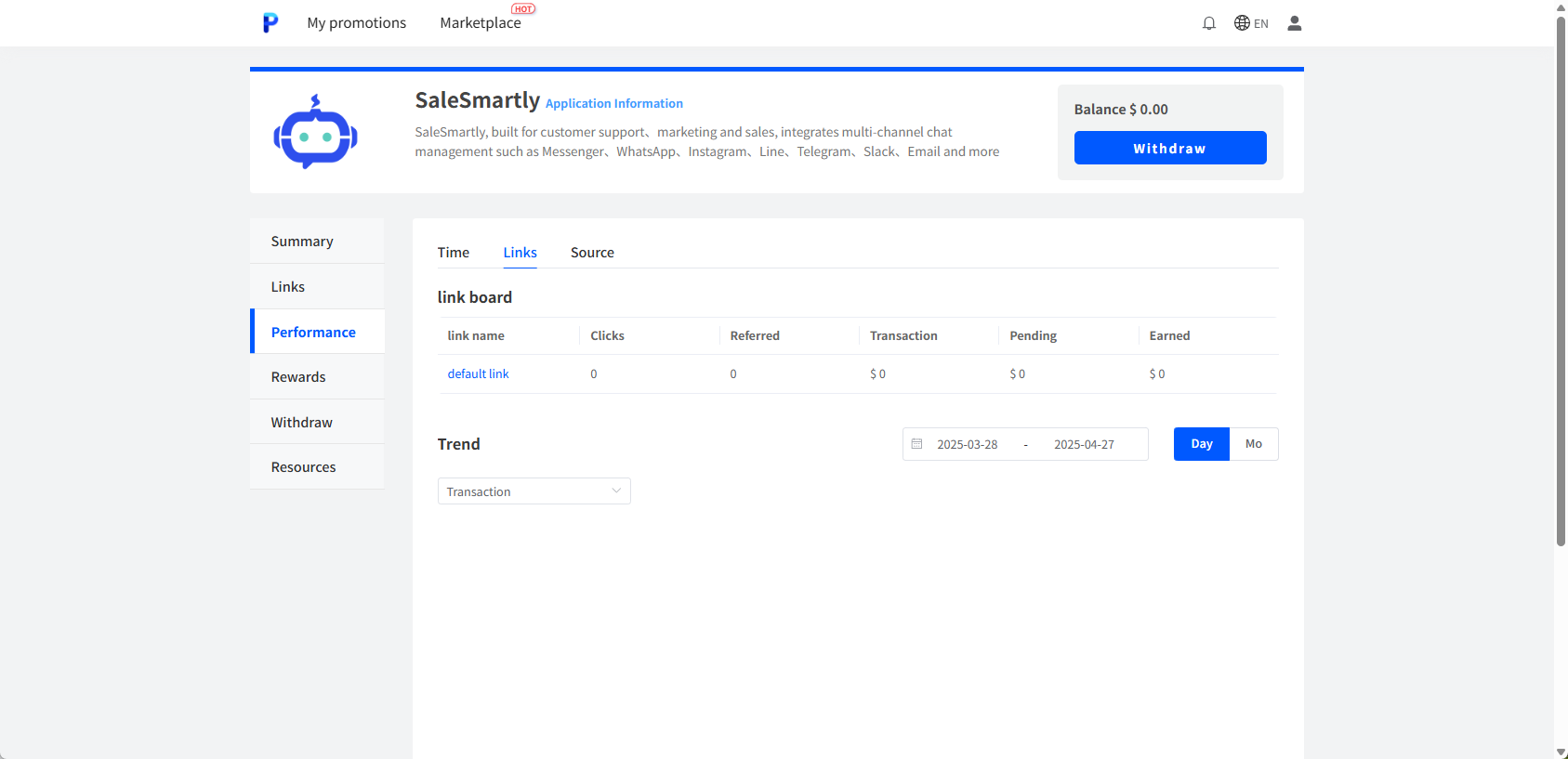
2.2. Click Report in the menu bar to view the specific data of each link/invitation code
Clearly understand your specific promotion data on different channels and determine the best combination.
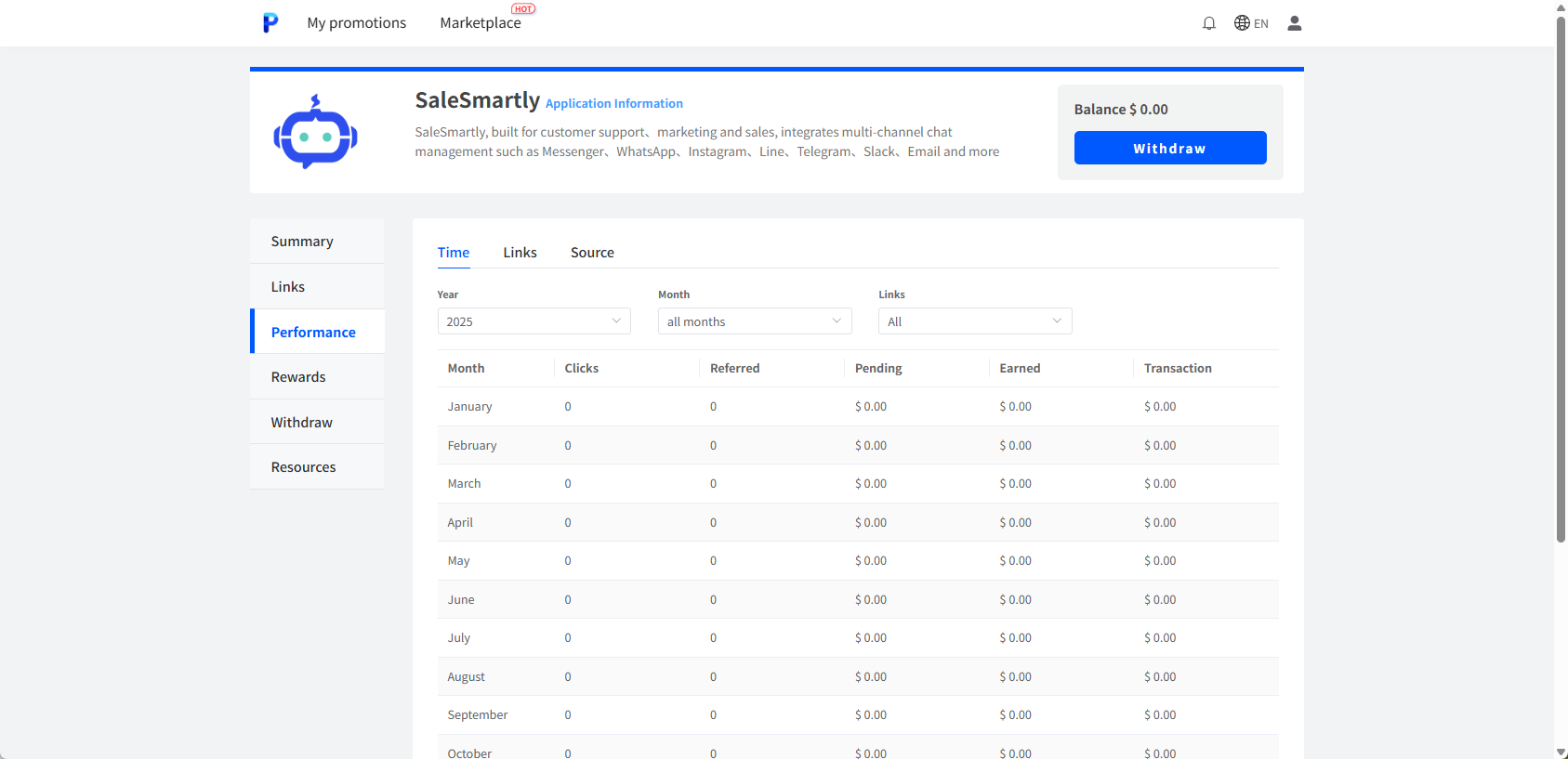
2.3. Click Report in the menu bar to view the monthly promotion data of each link/invitation code
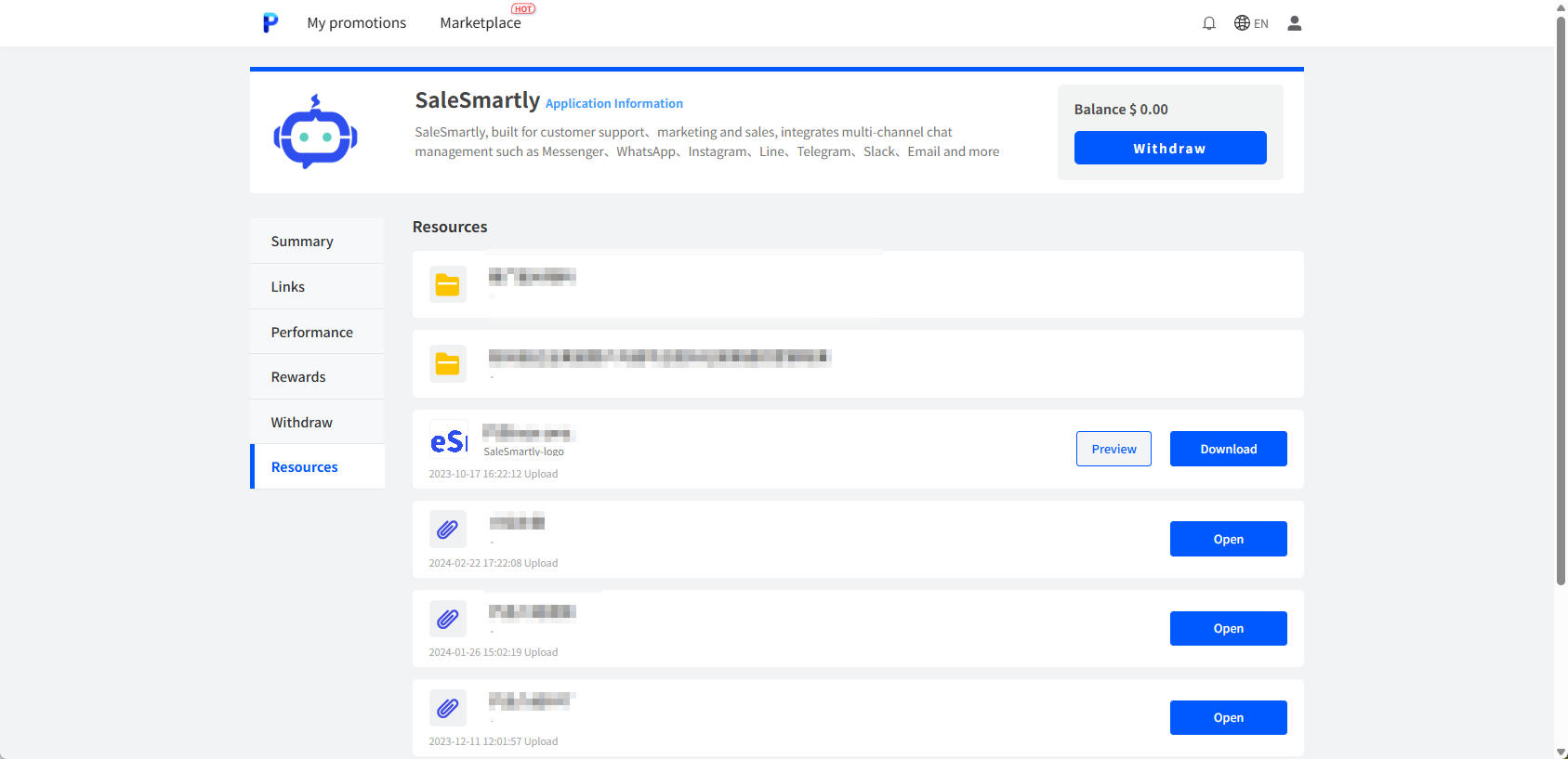
2.4. Get the promotional materials you need in the menu bar Resources
3. Withdrawal of Promotion Earnings
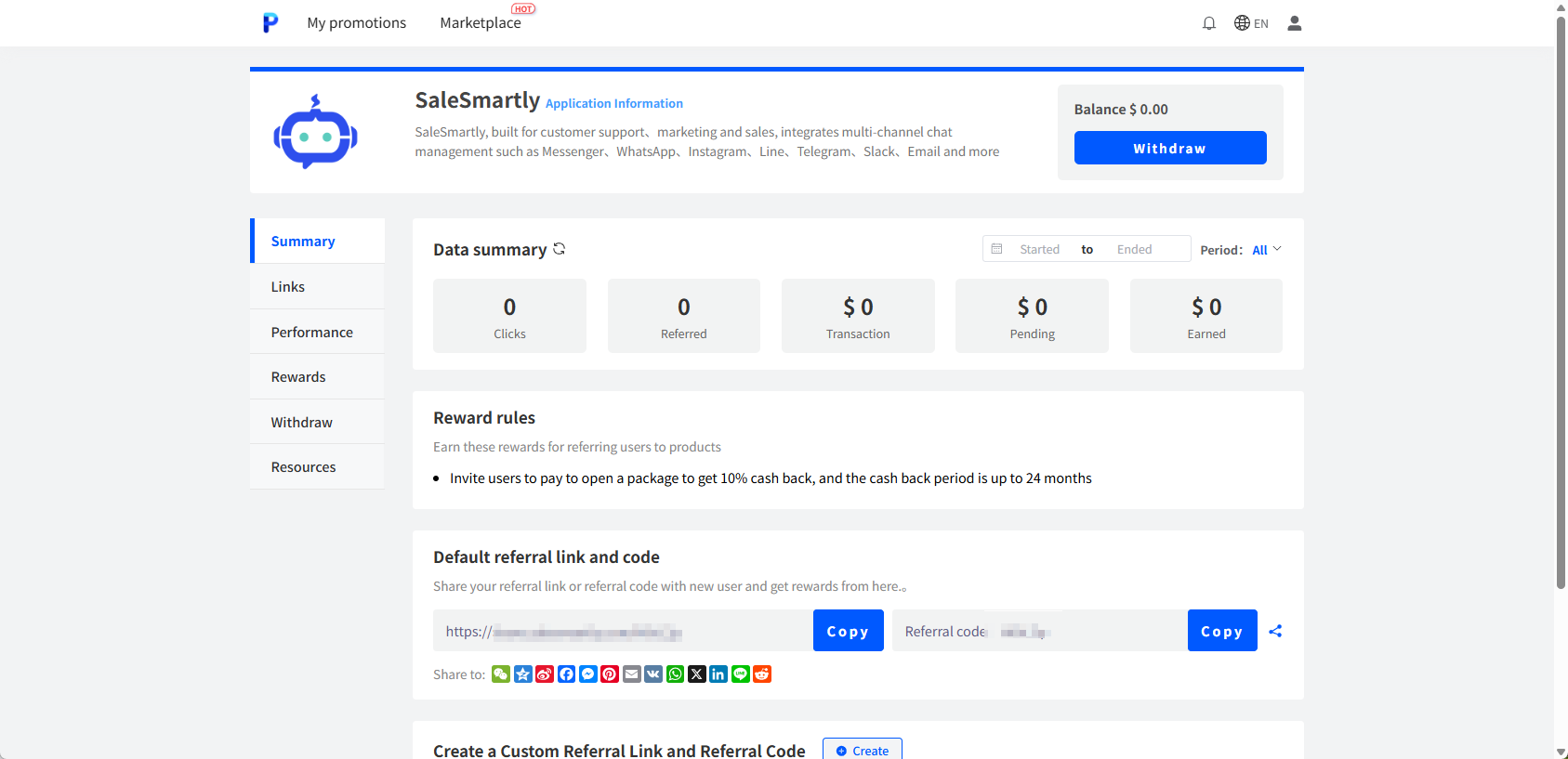
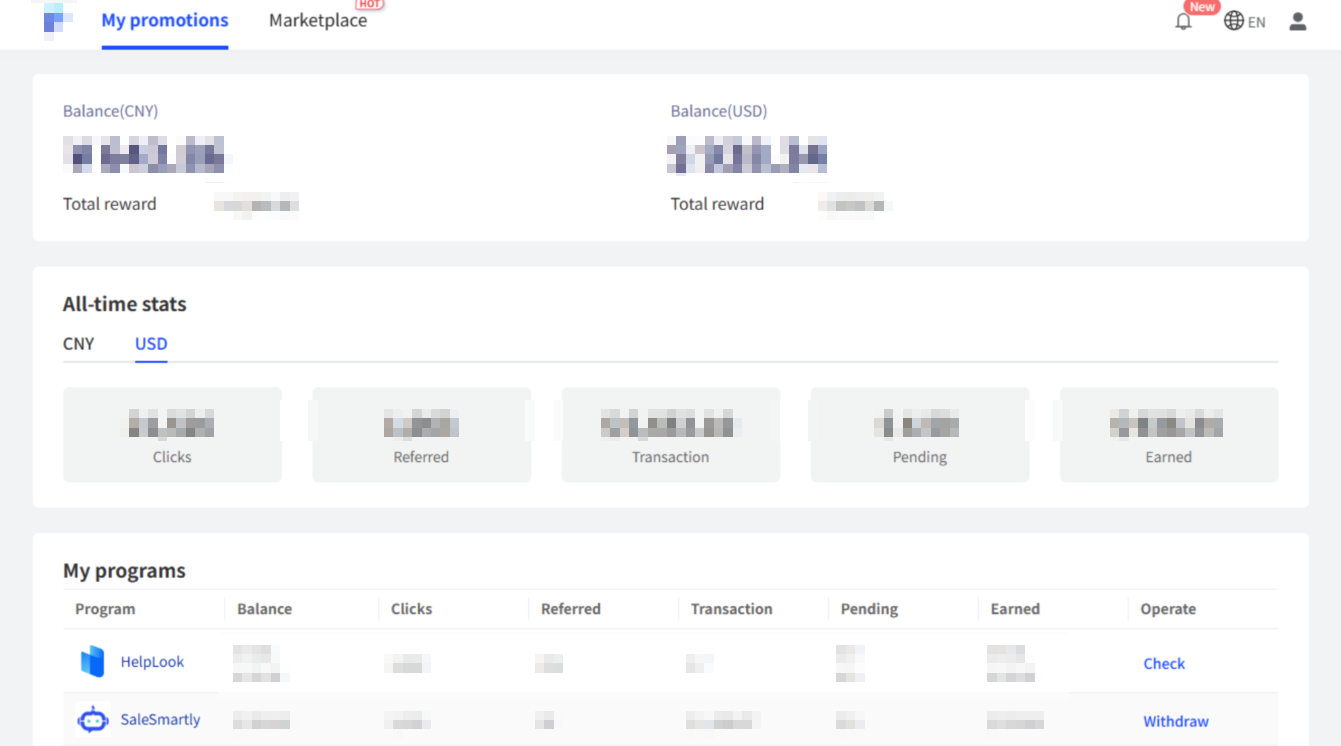
3.1. Click My Promotion at the top of the interface to check your account balance
If you need to withdraw cash, you can apply for withdrawal.
3.2. The handling fee issue when withdrawing cash
Withdrawal to domestic payment platform: Personal income needs to be charged a handling fee (in order to provide better service to the referral officer, the handling fee generated by withdrawing the SaleSmartly promotion amount will be borne by SaleSmartly).
To withdraw cash to Alipay, real-name authentication is required.
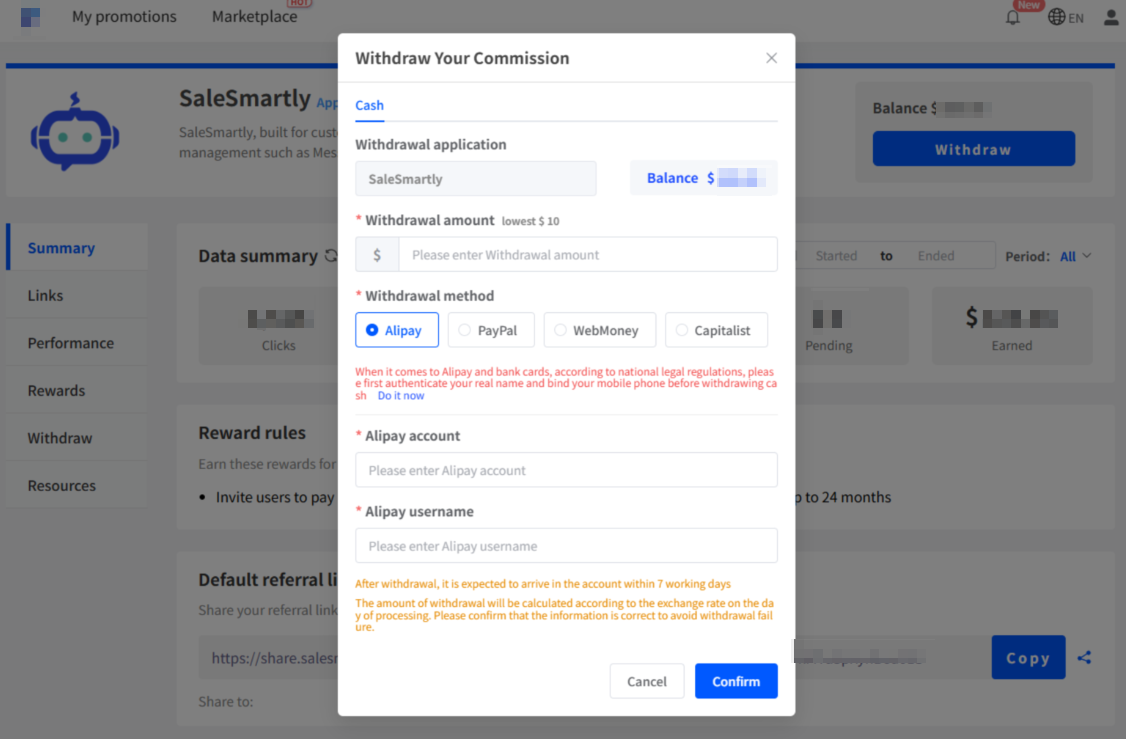
Withdraw to foreign payment platform: No handling fee is charged for the time being.
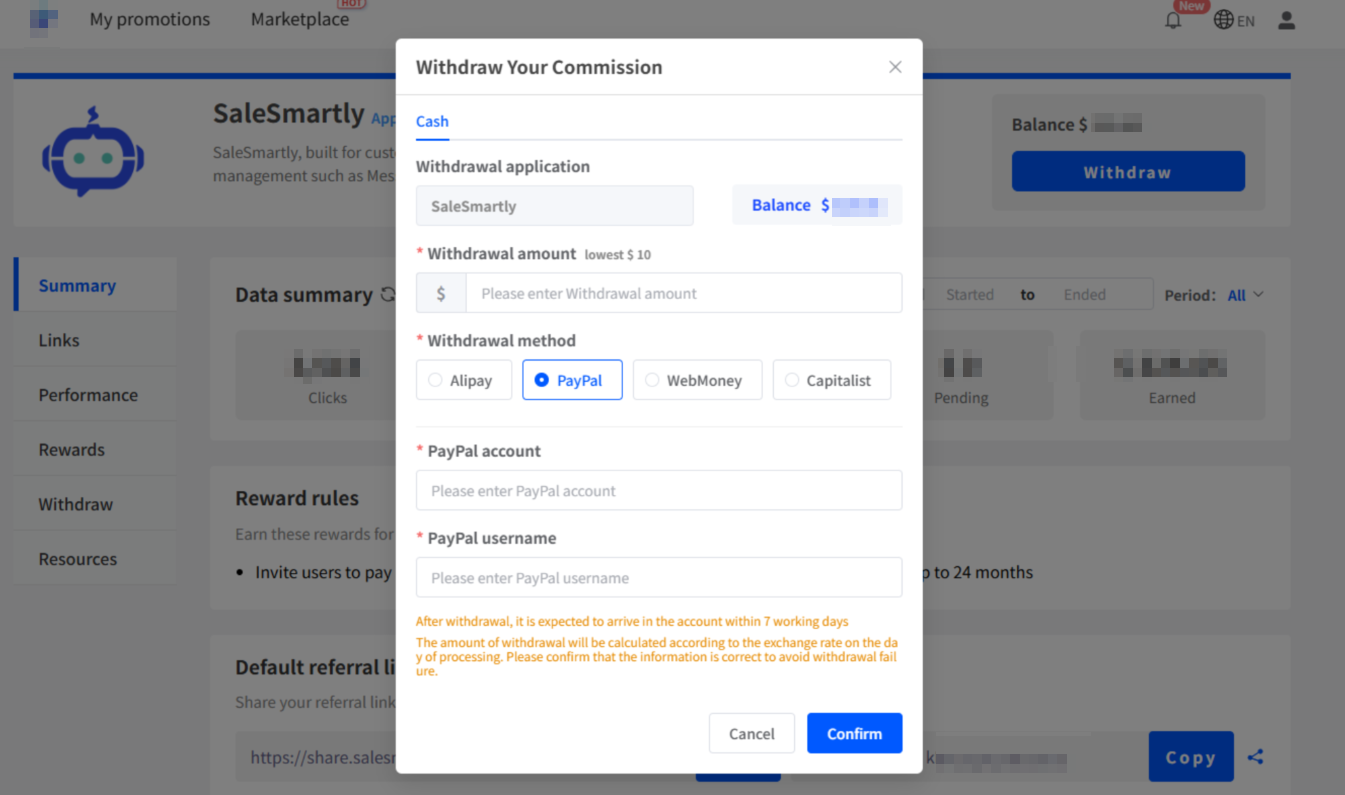
3.3. View historical promotion and withdrawal amounts
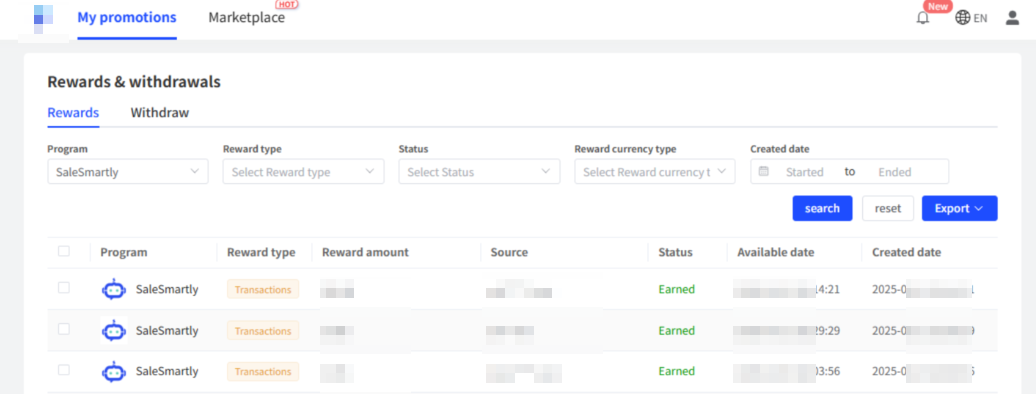
Pull down the My Promotion page to clearly view the historical promotion amount and withdrawal amount.