Become a SaleSmartly Affiliate
Learn how to join the SaleSmartly affiliate program and earn up to $500 per referral.
1. How to Become a SaleSmartly Affiliate
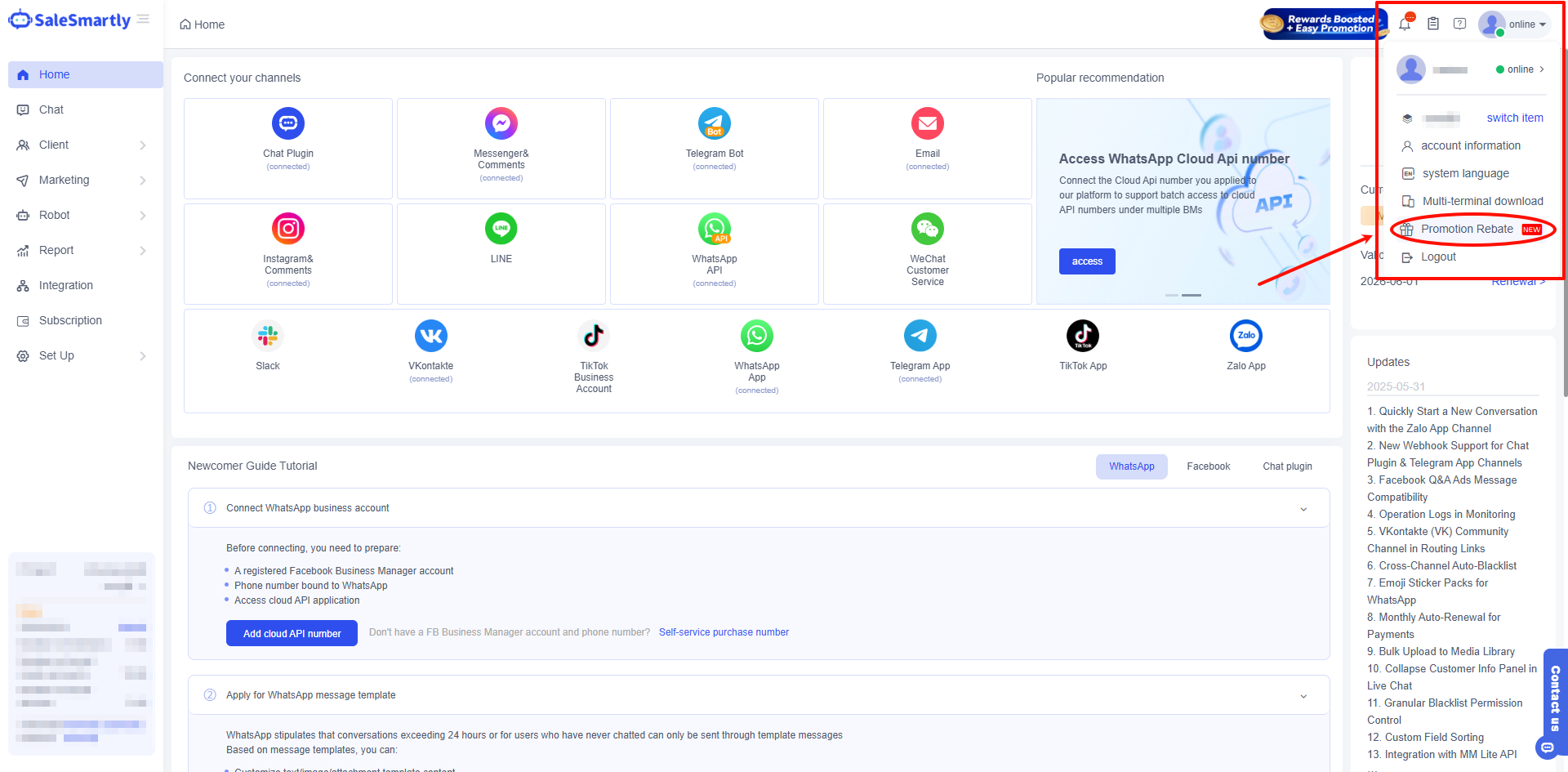
1.1 For Existing SaleSmartly Users – Join Directly via the SaleSmartly Dashboard
Log in to your SaleSmartly account → Click the profile icon in the top right corner → Select Promotion Rebate → Successfully join the affiliate program.
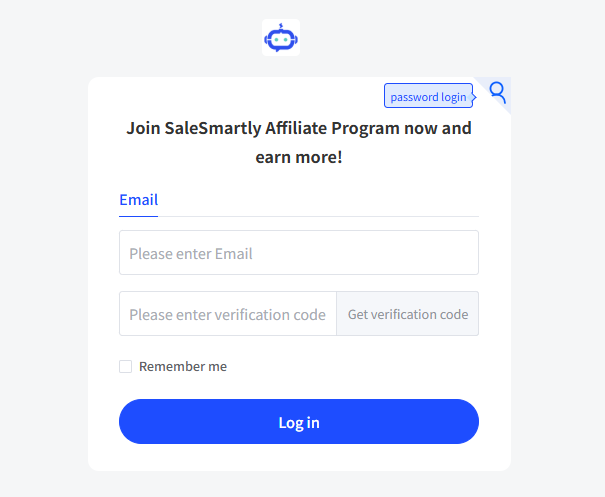
1.2 For New Users – Register via Referral Link
- Click here: https://affiliate.partnershare.net/login?product_id=3238
- Sign up using your email address.
2. Get Your Referral Link and Start Earning
2.1 Log in to Your Referral Dashboard
Log in to your Referral Dashboard to get your exclusive referral link/invite code.
2.2 Share Your Referral Link
Share your referral link/invite code with friends, colleagues, or business partners.
2.3 Earn Referral Commission
Earn up to $500 for each successful referral.
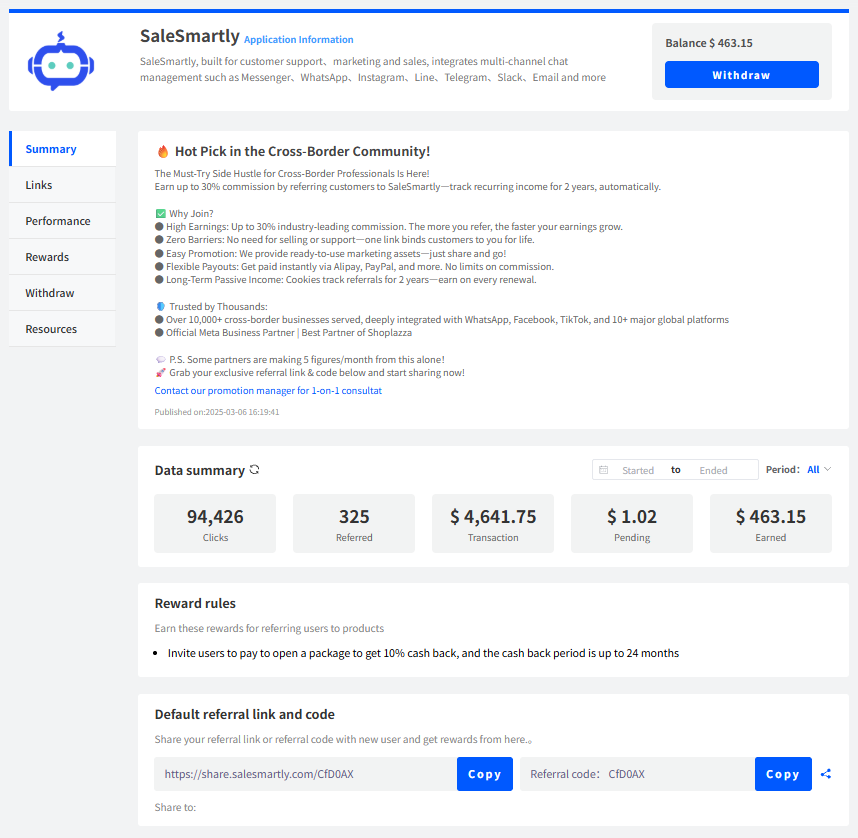
For detailed instructions on using the affiliate dashboard and how to withdraw commissions, please refer to this guide 👉 Affiliate Dashboard – Step-by-Step Guide.
