Project Setup Guide
Manage project setup and personal info, enable tech access easily.
1. Introduction
This section focuses on explaining the related functions of the Project Setup and personal information.
2. Key Features
2.1. Personal Information
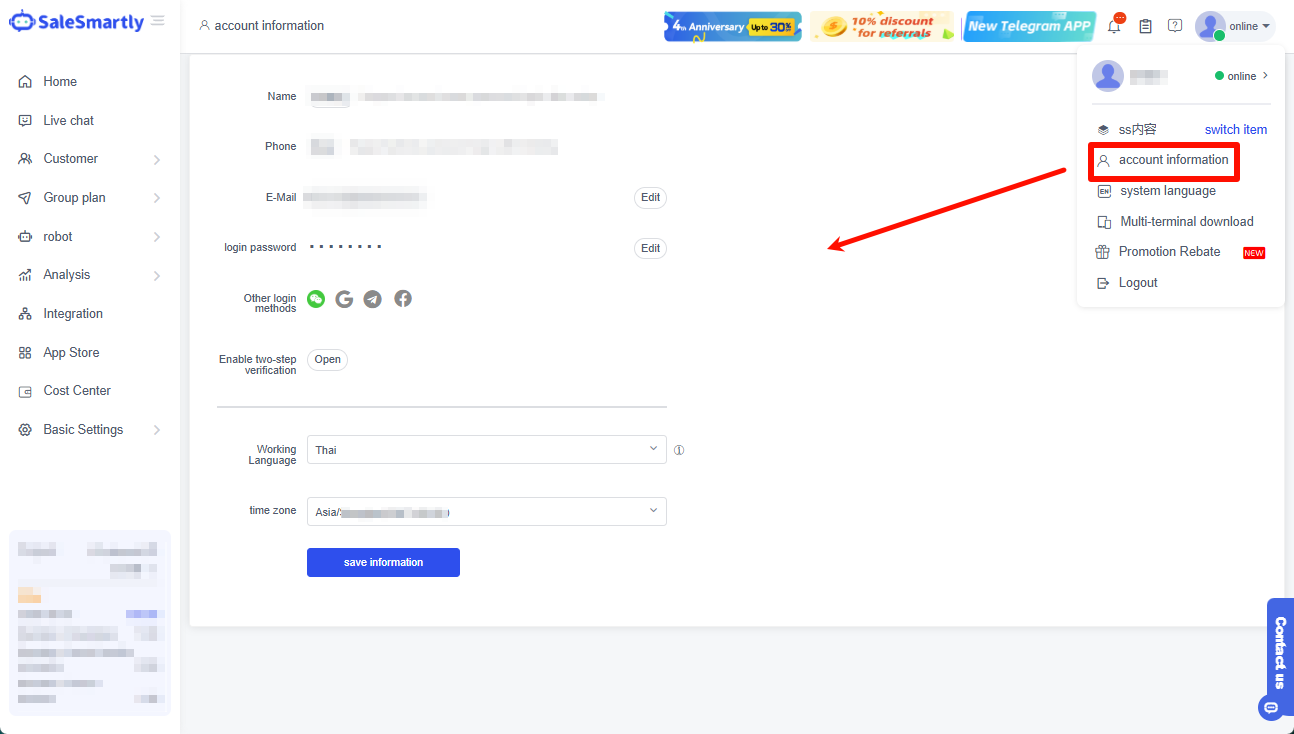
Click on the avatar to view account information, modify password, change online status, log out, select and add new items, etc.
2.2. Project Setup
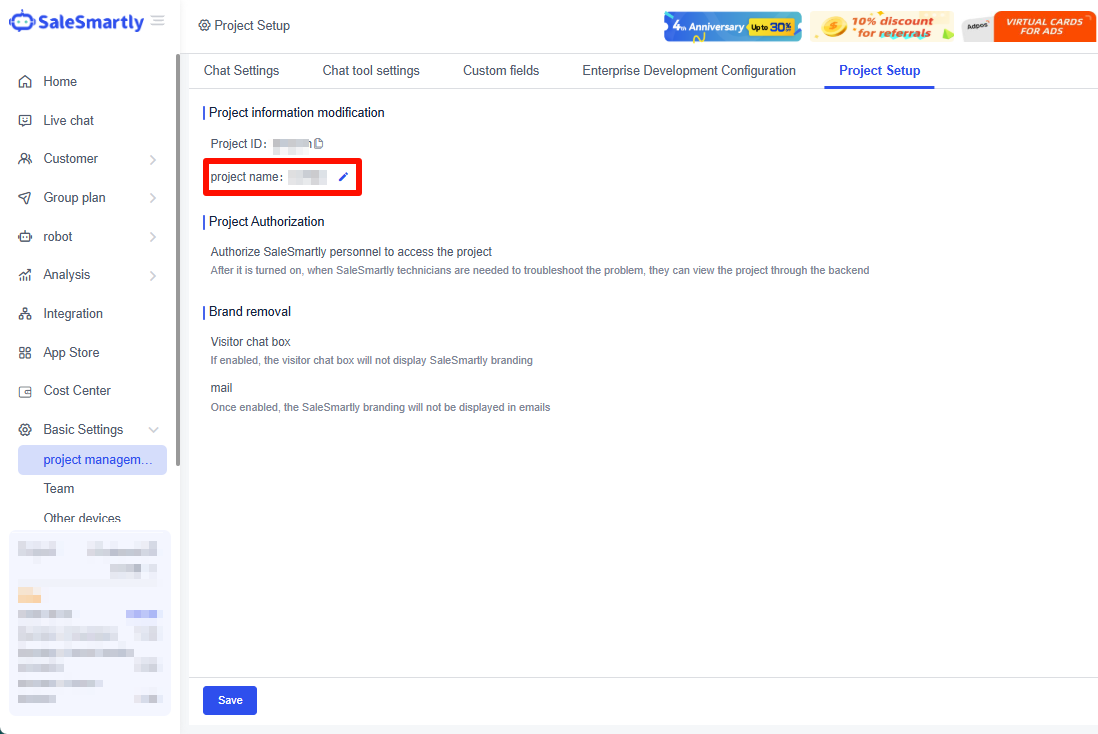
If you want to change the project name, just change the name in Setup-Project Management.
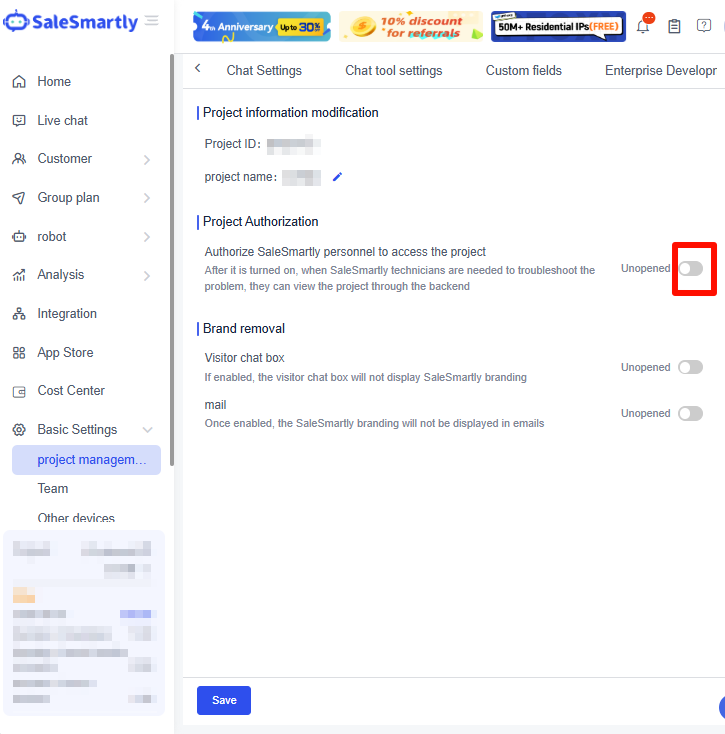
In Project Setup, you can enable access rights for SaleSmartly technicians.