iOS WebView Integration Guide
Learn how to configure iOS WebView and set up necessary permissions for seamless integration.
1. iOS WebView Configuration Guide
iOS has not yet opened the SDK developer documentation. iOS temporarily needs to use WebView. For details about WebView, see: SaleSmartly chat plug-in JSSDK developer documentation.
1.1. Configure Required Permissions in Info.plist
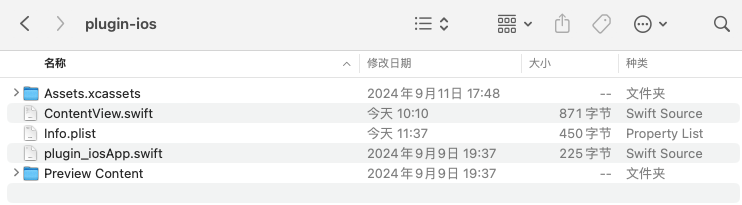
The Info.plist file needs to have the following permissions configured:
<key>NSCameraUsageDescription</key>
<string>We need access to your camera so you can take pictures</string>
<key>NSPhotoLibraryAddUsageDescription</key>
<string>Request access to photo album</string>
<key>NSMicrophoneUsageDescription</key>
<string>Request microphone access</string>
1.2. Modify WebView Loading Address
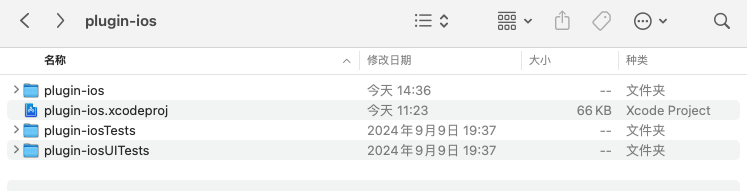
File path: plugin-ios/ContentView.swift
struct ContentView: View {
    // The link address to be loaded(https://xxx),Please replace it with the H5 address or exclusive link address corresponding to the business
    let url = URL(string: "https://xxx/")!

    var body: some View {
        ZStack {
            WebView(url: url)
                .edgesIgnoringSafeArea(.all)
            Spacer()
        }
    }
}
The URL is the address displayed on the page and needs to be replaced with your own.
1.3. Demo Example
SaleSmartly iOS Demo example, click to download