Install SaleSmartly on UEESHOP
Install SaleSmartly app to integrate multi-channel customer service in UEESHOP for better management.
1. SaleSmartly Installation for UEESHOP Integration
Installing the SaleSmartly app can integrate SaleSmartly's multi-channel customer service system into the UEESHOP store backend, allowing merchants to uniformly manage and respond to customer issues from various channels on a single platform, improving the store's customer service capabilities and achieving intelligent operations.
2. Operation Process
2.1. UEESHOP Installation Application
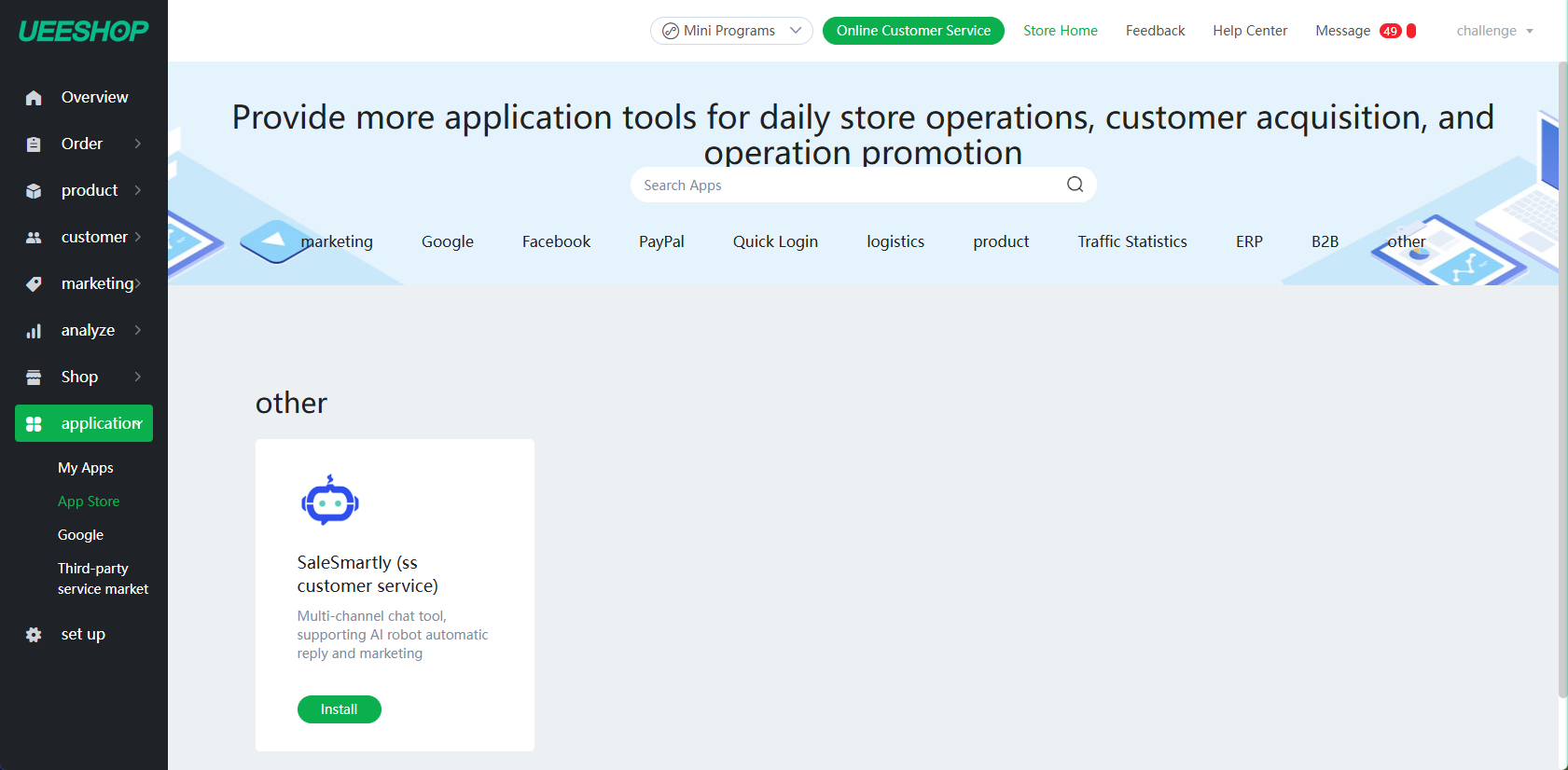
- After logging in to UEESHOP, go to the Applications module > search for SaleSmartly > find 'SaleSmartly'
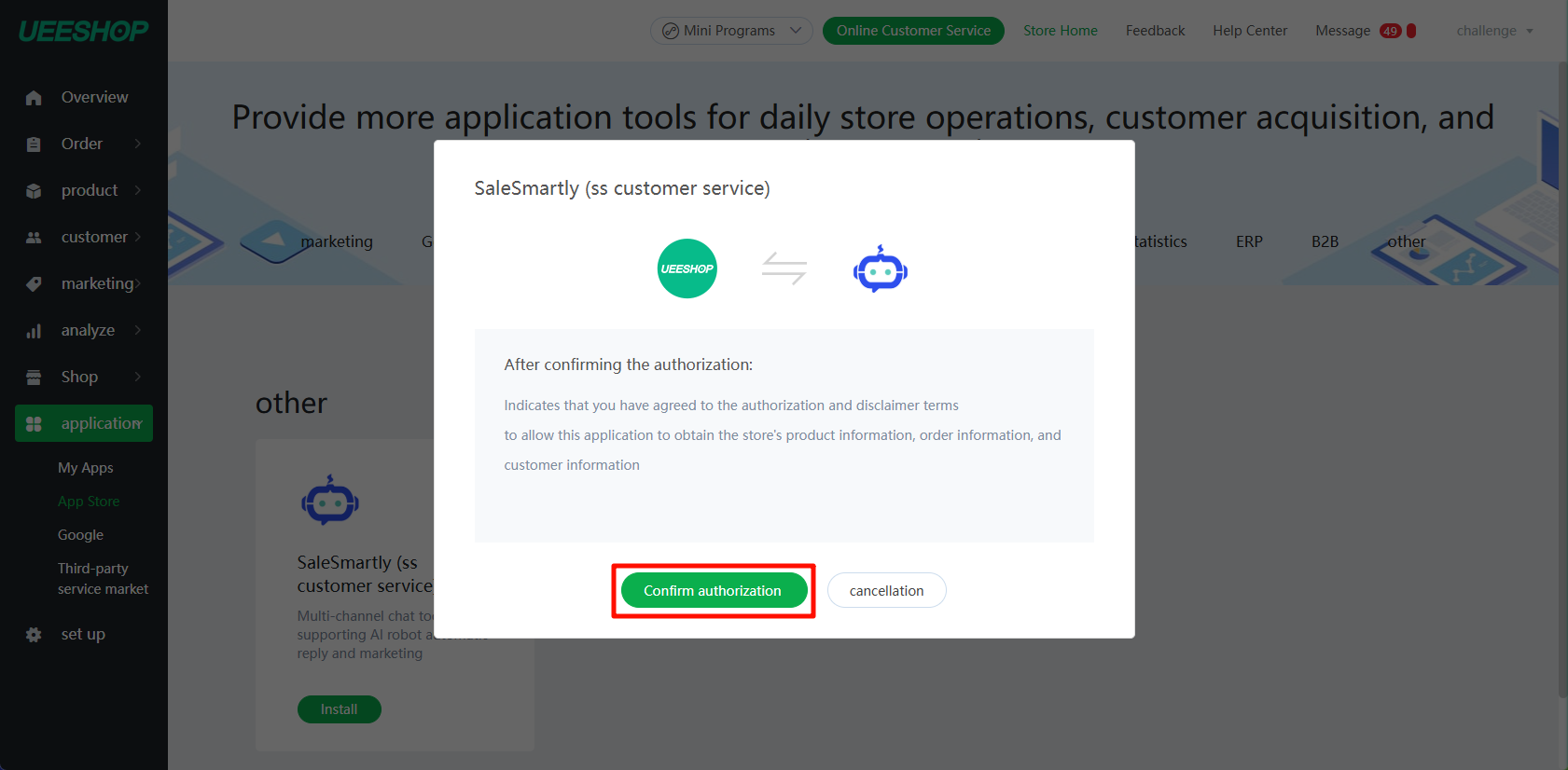
- On the authorization page, click Authorize and Install to jump to the SaleSmartly registration and login page
2.2. Bind SaleSmartly
- Register or log in to SaleSmartly after the redirect

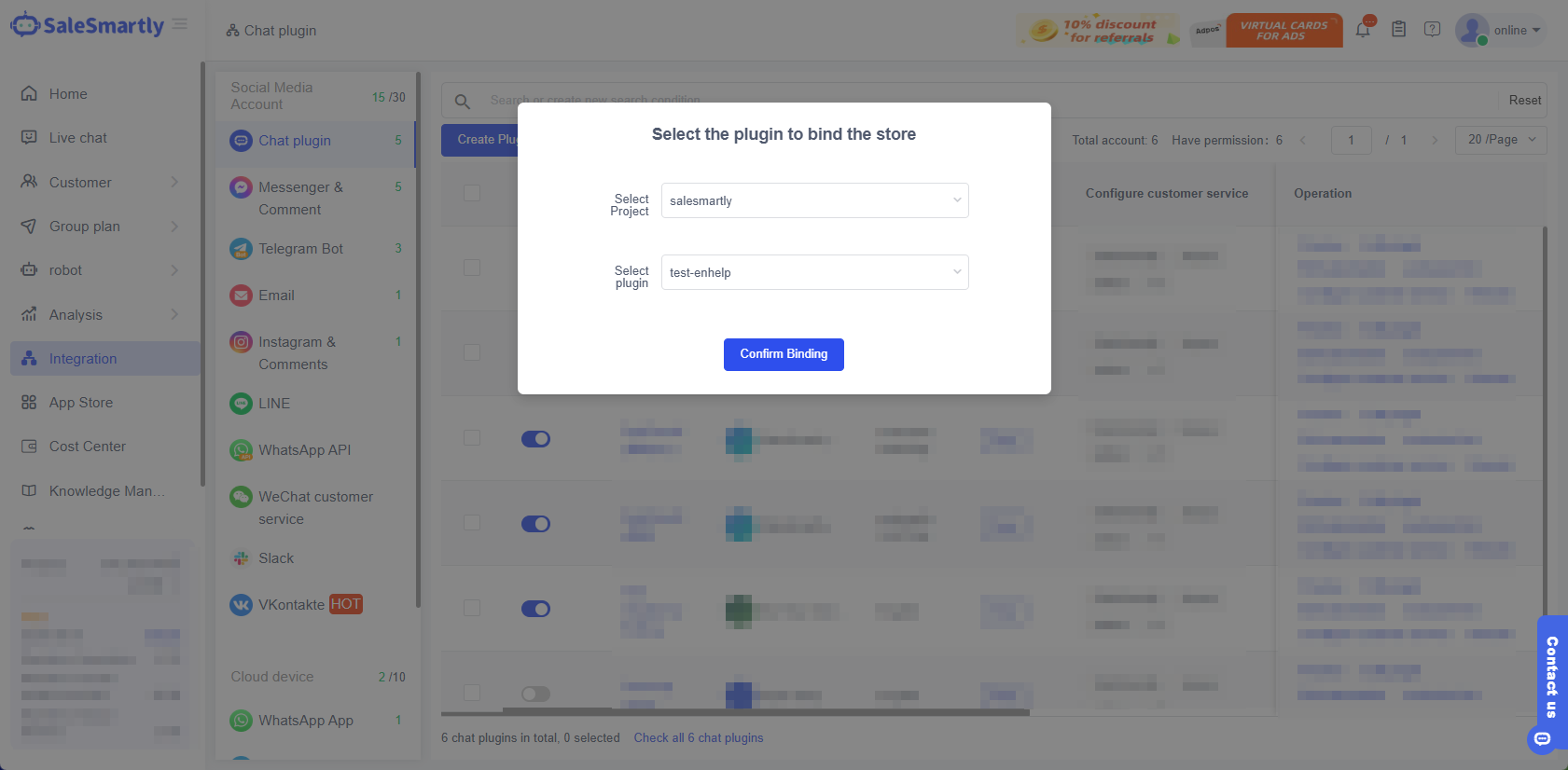
- Create a new plug-in binding or select a plug-in binding.
If you log in to an existing account, you can select the plug-in in the account to bind. If you register a new account, the system will automatically bind after creating a new plug-in.