Install SaleSmartly on Shopify
Learn how to install SaleSmartly on your Shopify store via app or code.
1. Install SaleSmartly on Your Shopify Store
Learn how to install SaleSmartly on your Shopify store.
2. Operation Process
2.1 Option 1: Install via Shopify App
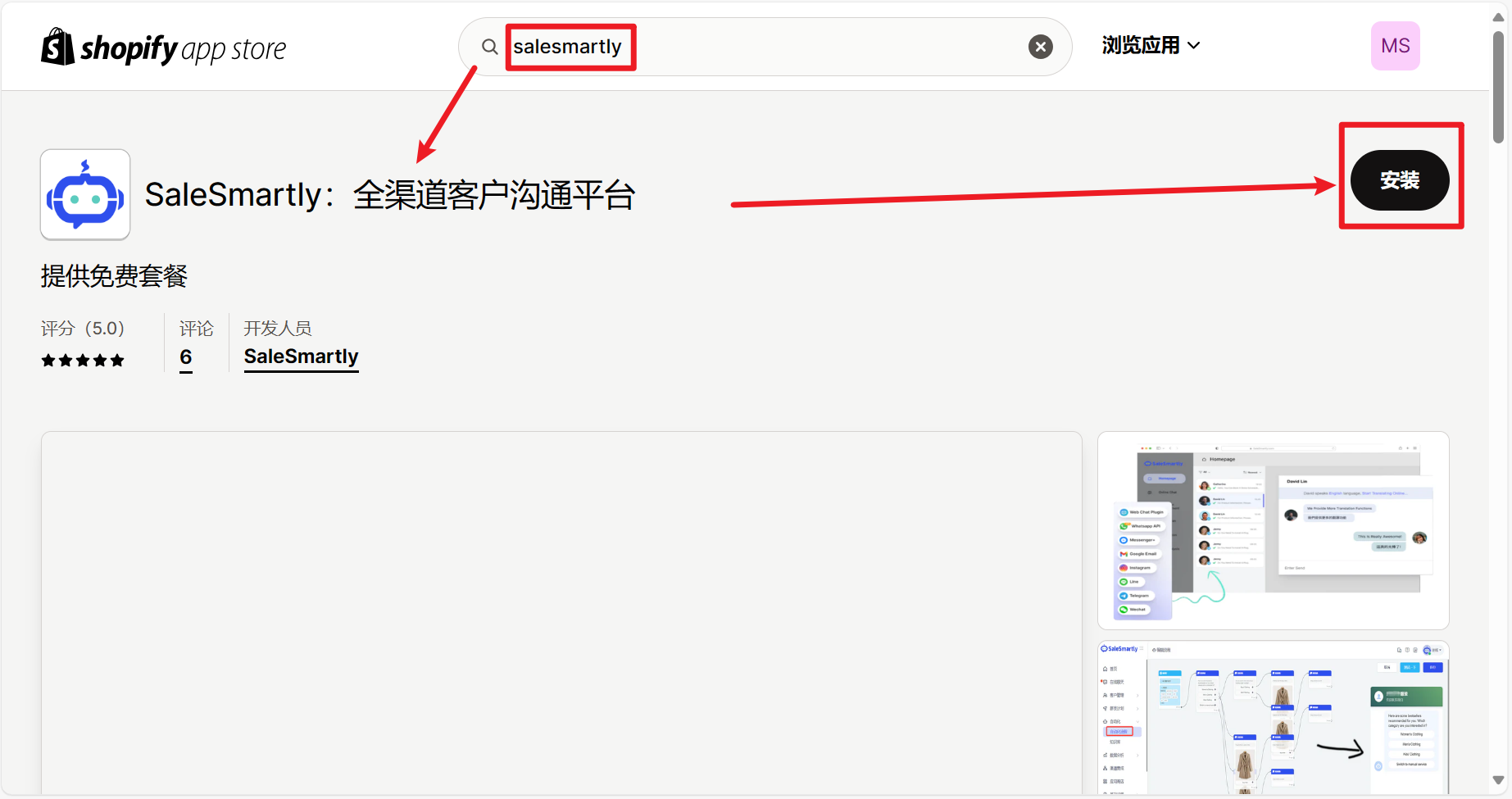
- After logging in to Shopify, go to the Apps module, click Add App > click to enter the Shopify App Store > search for SaleSmartly and click Install to enter the authorization instructions page.

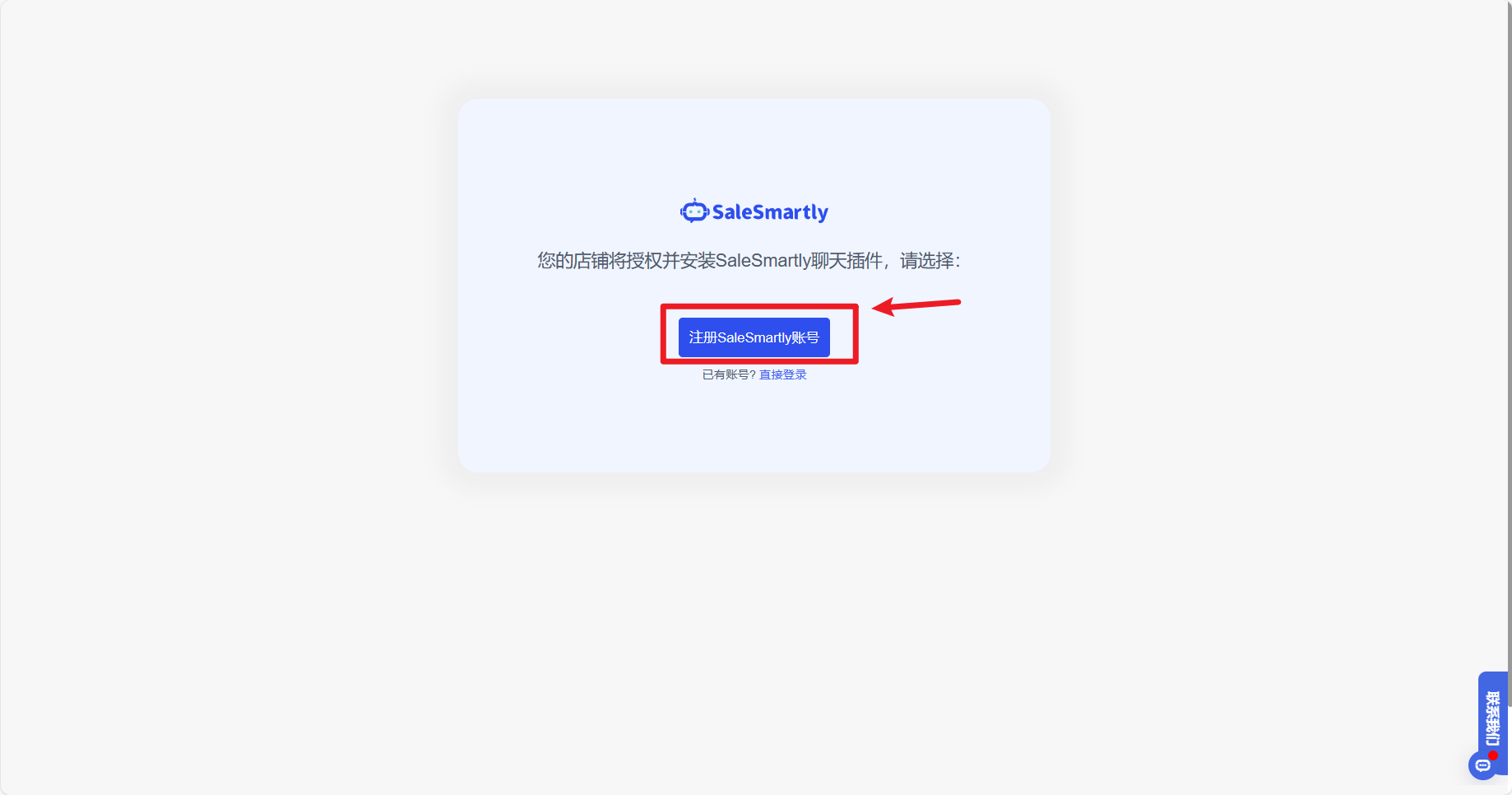
- On the authorization page, click Install to jump to the SaleSmartly registration and login page. Once the SaleSmartly registration and login are completed, the installation is successful.
Note: You can view the integrated Shopify store sites in SaleSmartly's Settings - Chat Plugin list Integrated Sites.

2.2 Solution 2: Install via JavaScript Code
2.2.1 Copy the JavaScript Code
In the Integration-Chat Plugin module of SaleSmartly, select and copy the code you need to install in the list (if there is no plugin code, please create it first).

2.2.2 Install SaleSmartly on Your Shopify Store
- After logging in to Shopify, go to the Online Store - Template page, click Actions - Edit Code to enter the code editing page.
- On the code editing page, in the layout-theme.liquid file code input box, paste the JavaScript code in front and click Save to successfully install it.
