Install SaleSmartly on Xshoppy
Learn to install SaleSmartly in your XShoppy store with JavaScript code.
1. Learn How to Install SaleSmartly on XShoppy
Learn how to install SaleSmartly in your XShoppy store.
2. Operation Process
2.1. Copy the JavaScript Code
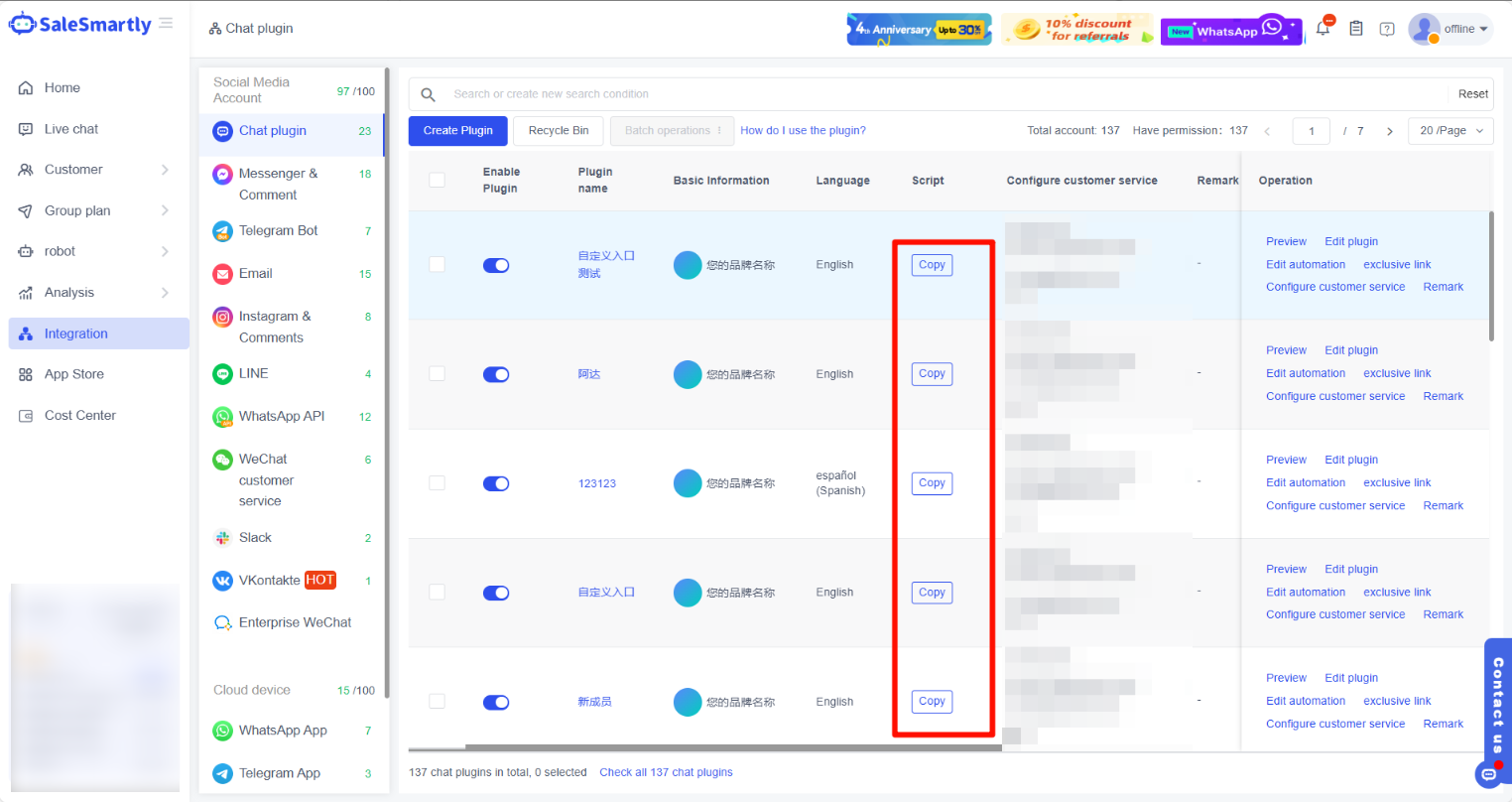
In SaleSmartly's Integration - Chat Plugin module, select and copy the code you need to install from the list.
Note: If there is no plugin code, please create a plugin first.
2.2. Install SaleSmartly on XShoppy
After logging in to XShoppy, paste the JavaScript code in the "Shop Management" - "Tracking Settings" - "Website Attribution Authentication" input box and click Save to successfully install it.
