Install Dark Reader
Install Dark Reader on Chrome and apply dark mode to SaleSmartly easily.
1. Web - Google Chrome
1.1. Install the Dark Reader Extension
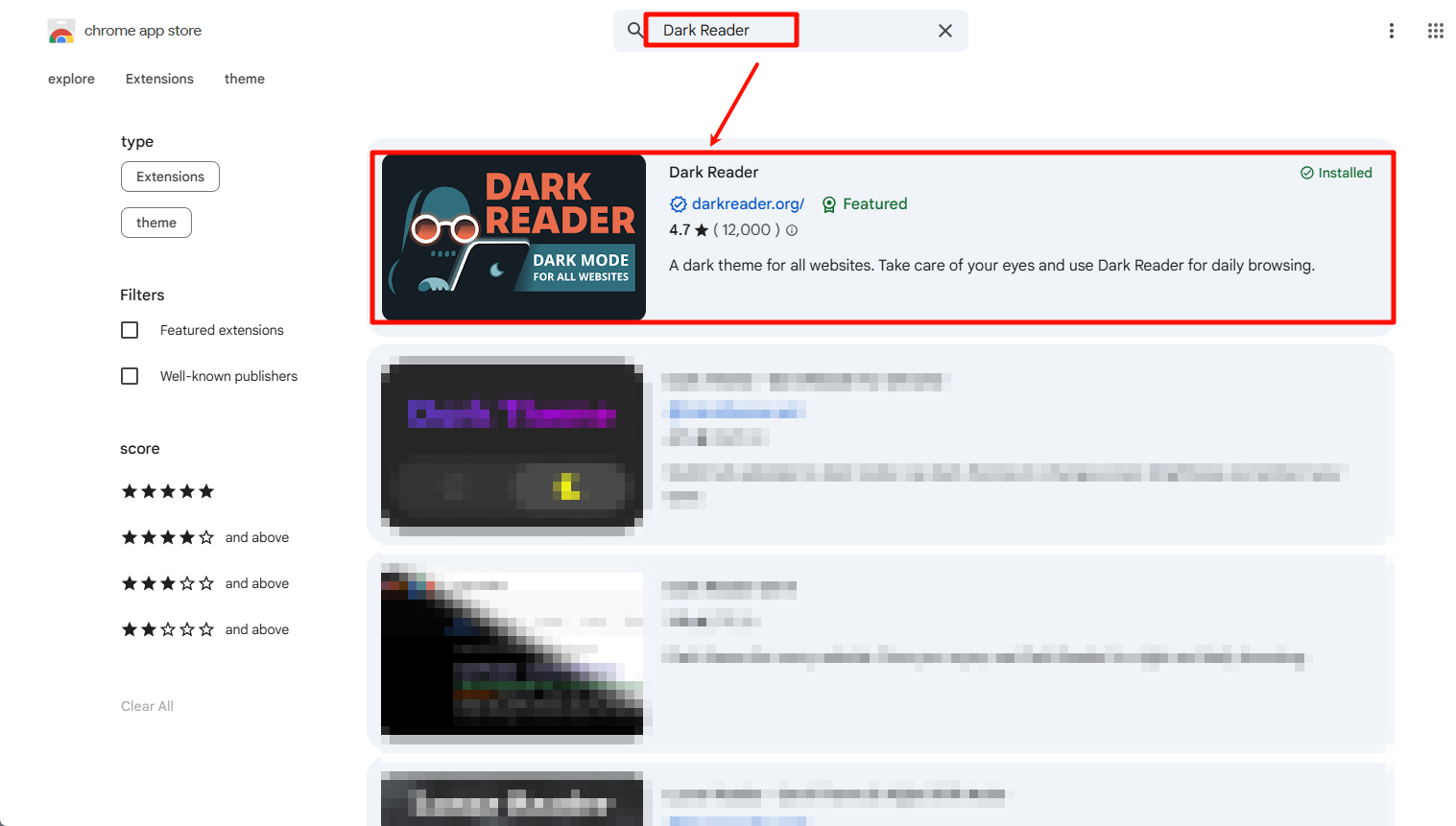
Open Google Chrome → Visit the Chrome App Store → Search for "Dark Reader".
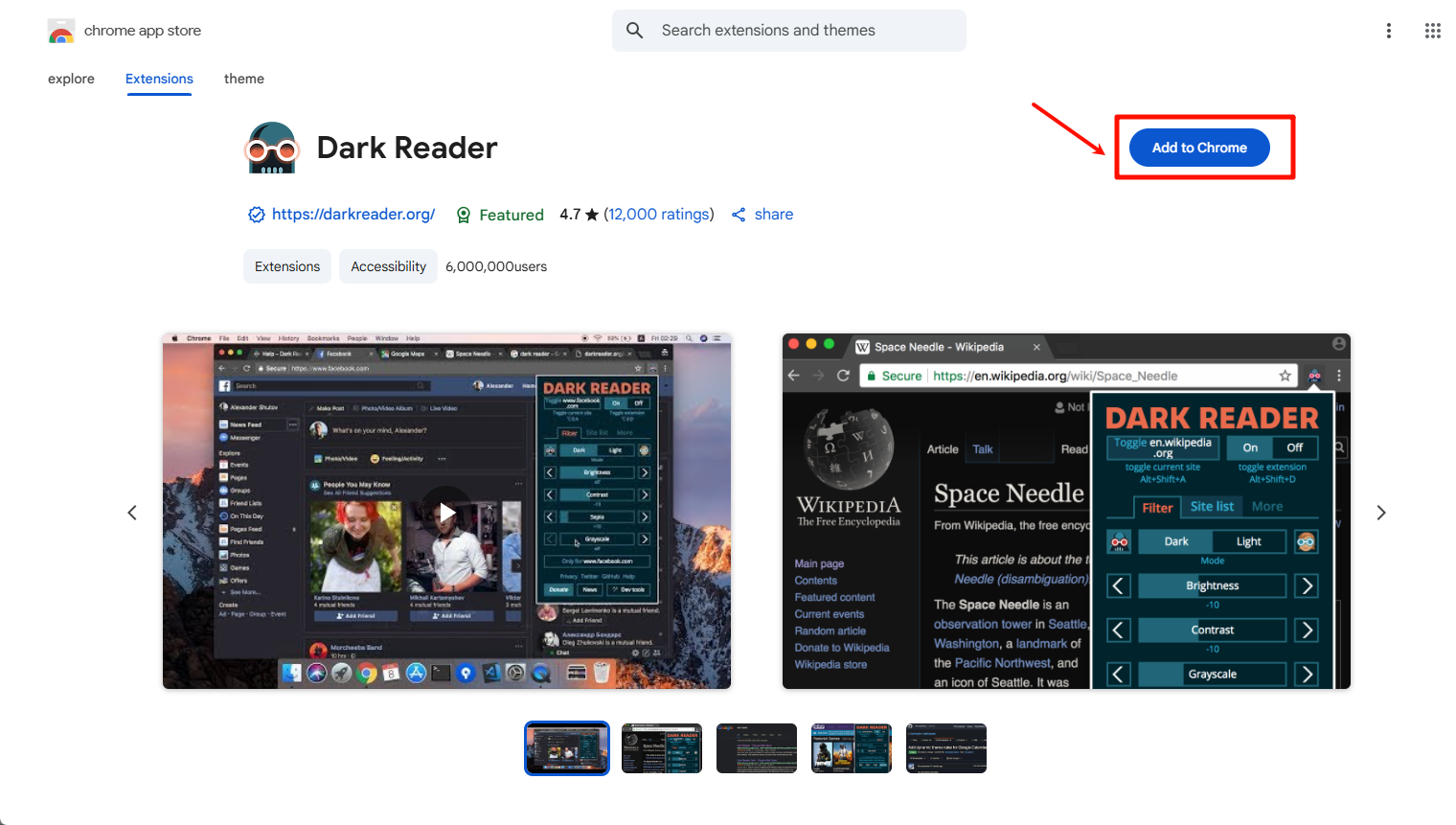
Click Add to Chrome.
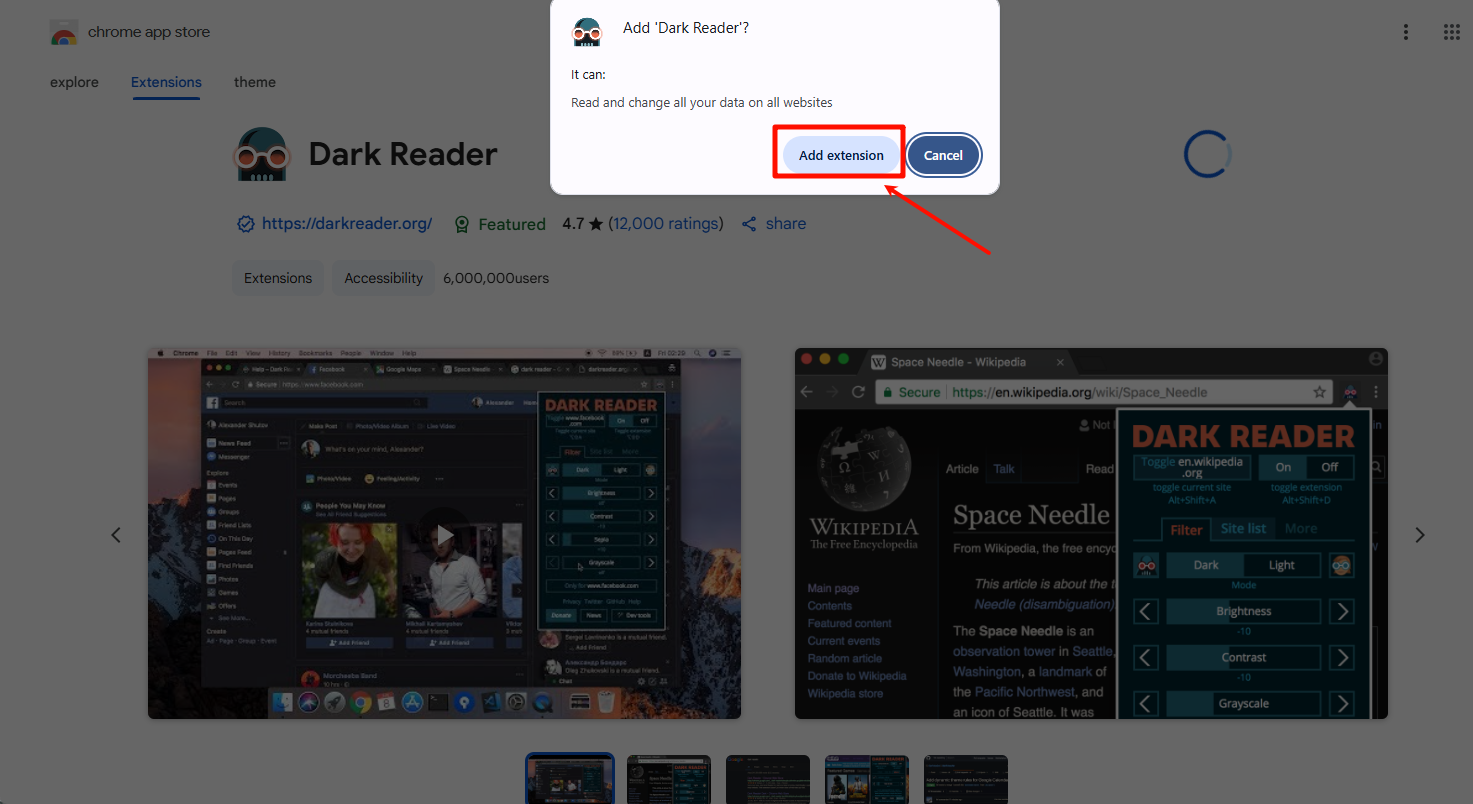
Confirm by clicking Add Extension to complete installation.
1.2. Apply Dark Mode to SaleSmartly
Open the SaleSmartly dashboard → Click the Dark Reader in the browser toolbar.
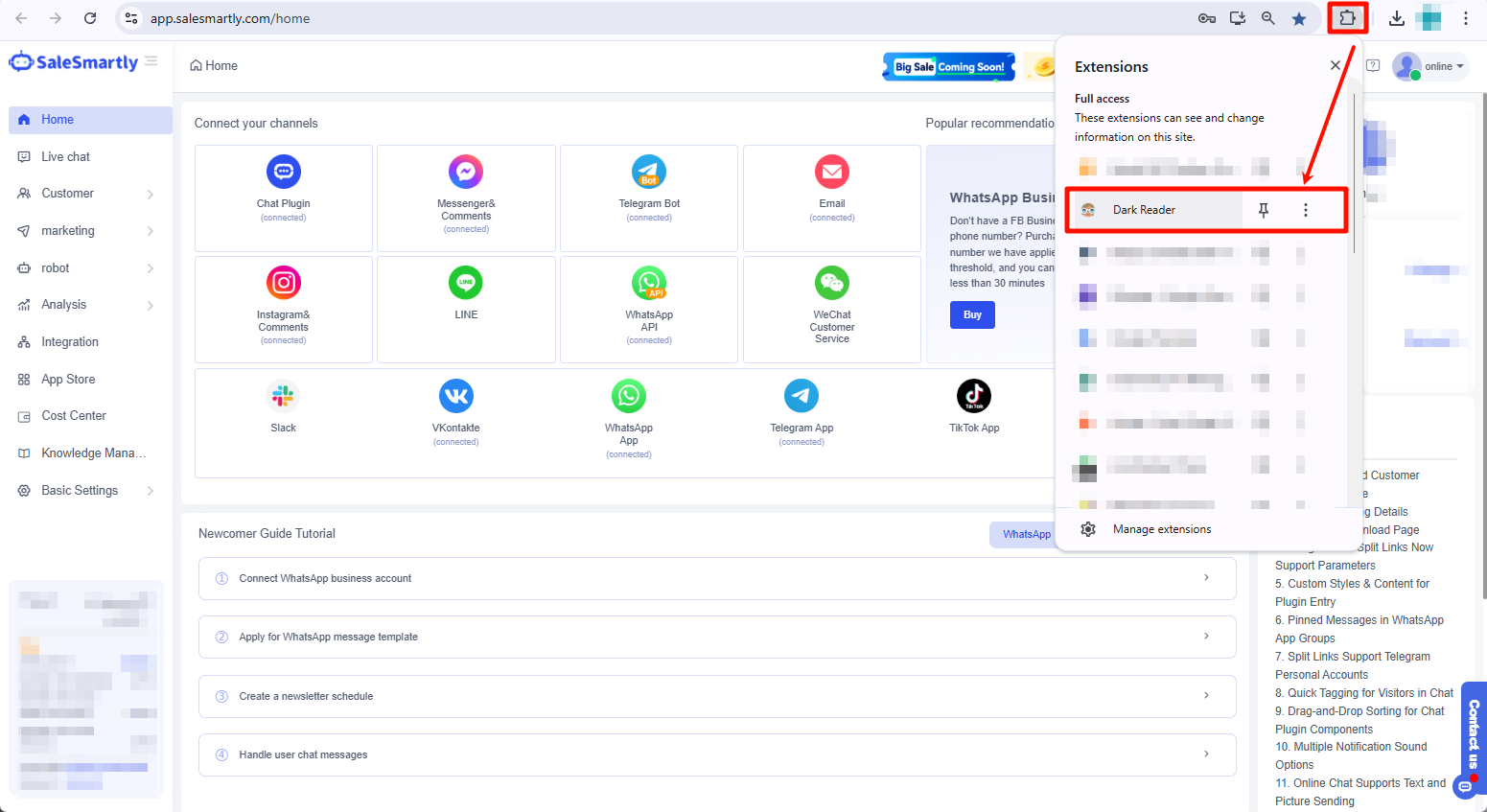
Select Dark Reader → Toggle the switch to On → Navigate to the Site List tab → Select "Invert listed only" mode → Enter the URL https://app.salesmartly.com/home → Press Enter to confirm.
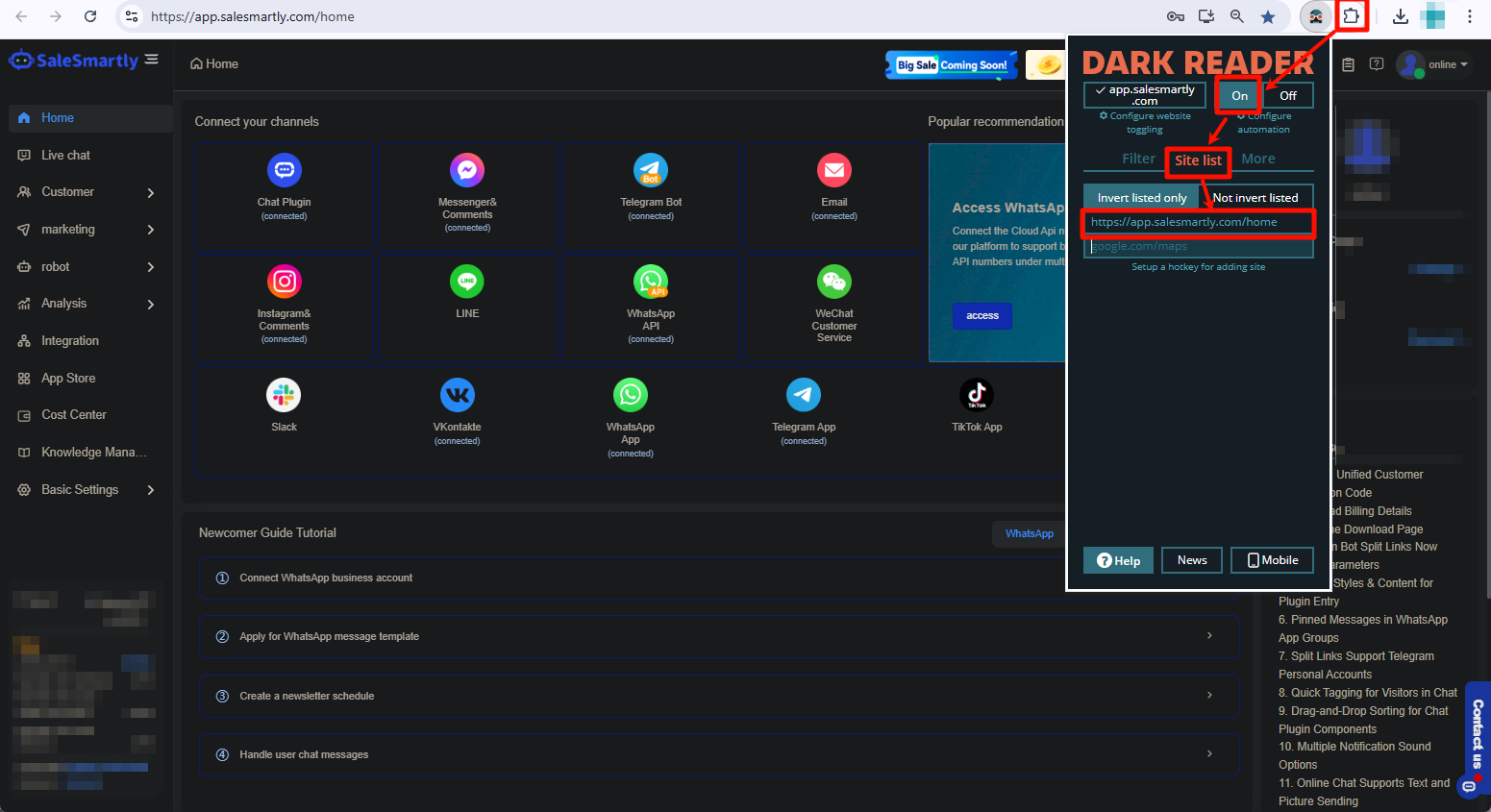
✨ SaleSmartly will display in dark mode, while all other websites retain their default theme. Toggle Dark Reader globally anytime via the extension icon.
