Selecting Solution
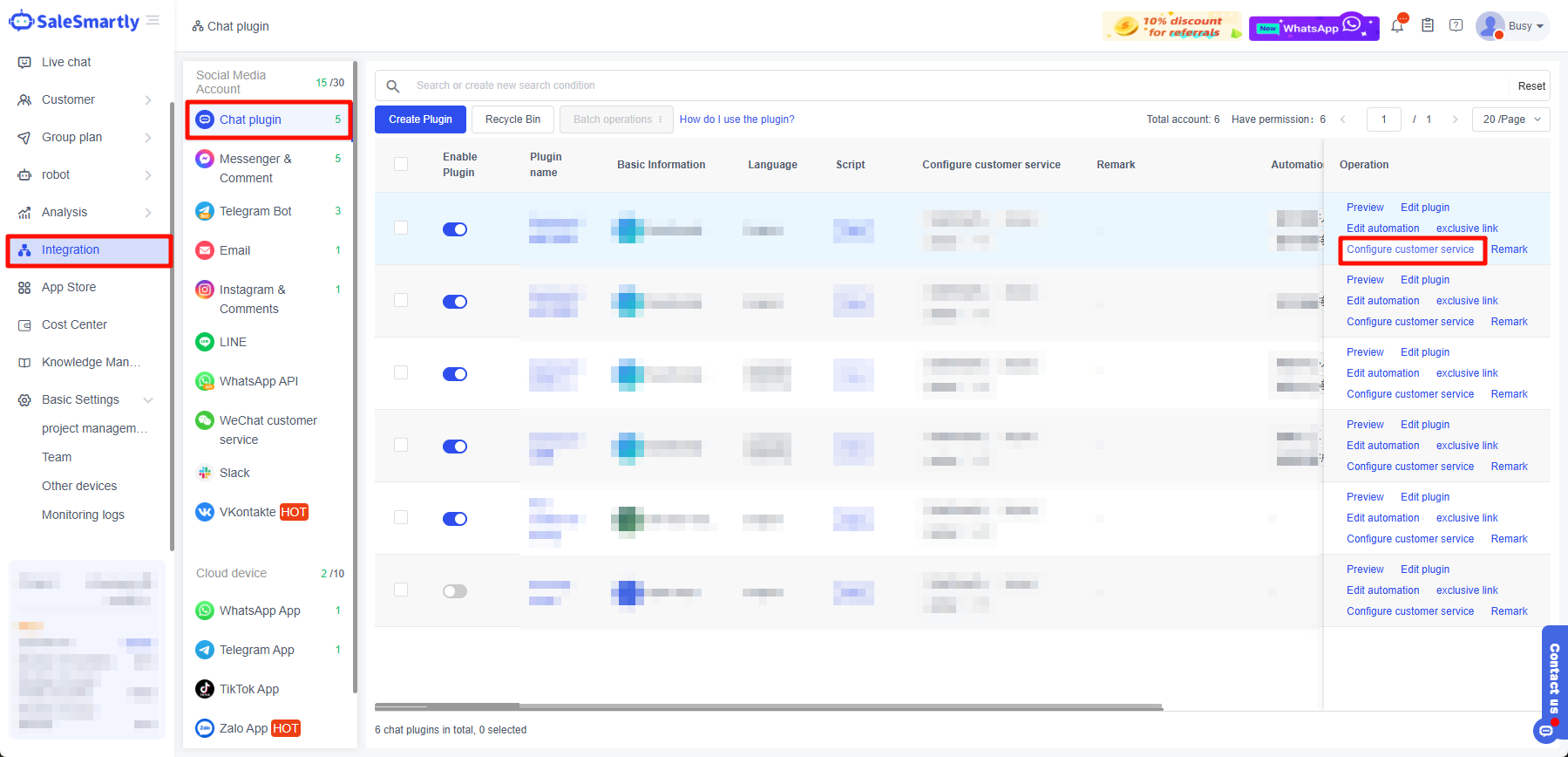
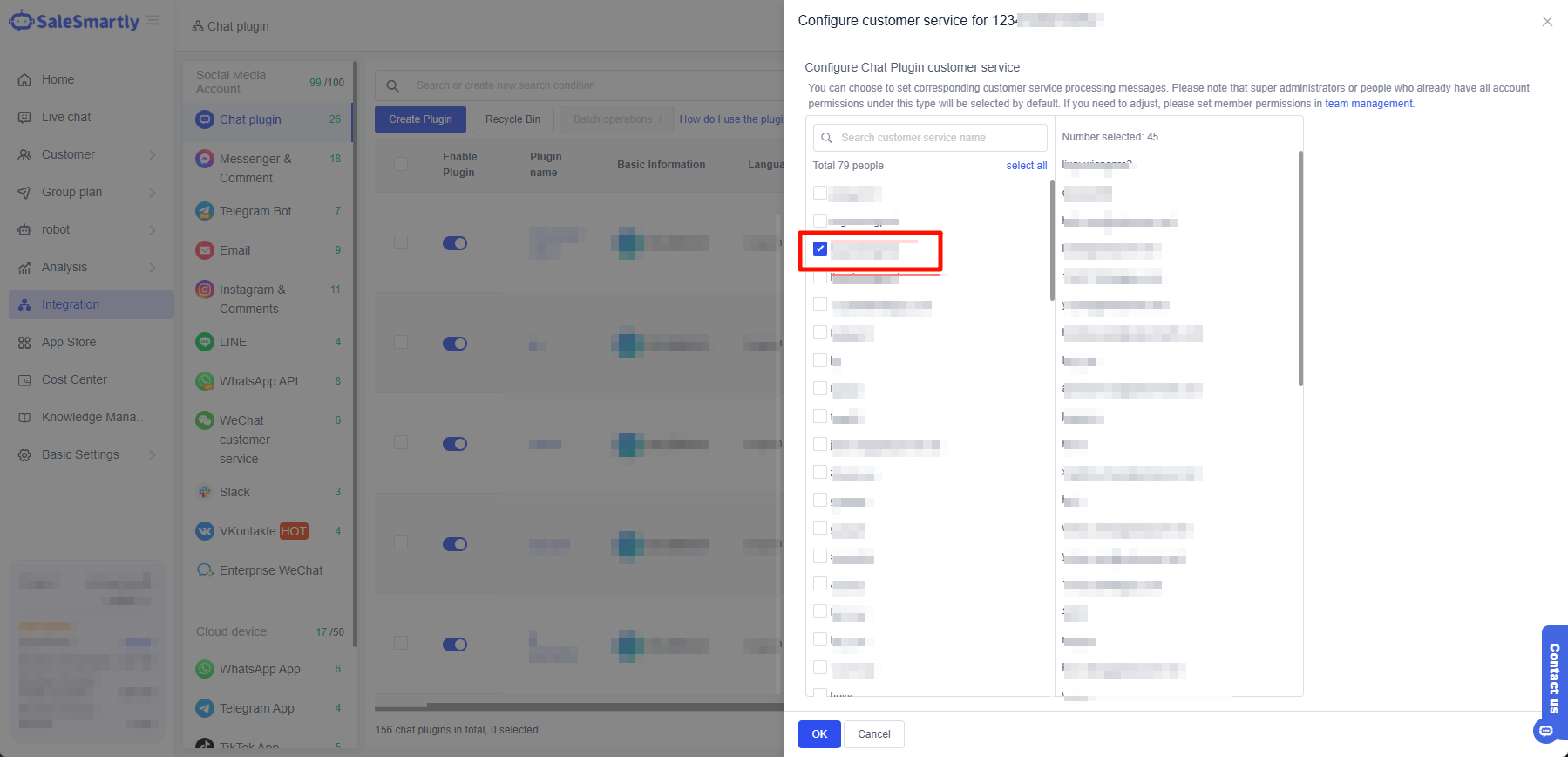
Solve the issue of unable to select by customizing social media permissions.
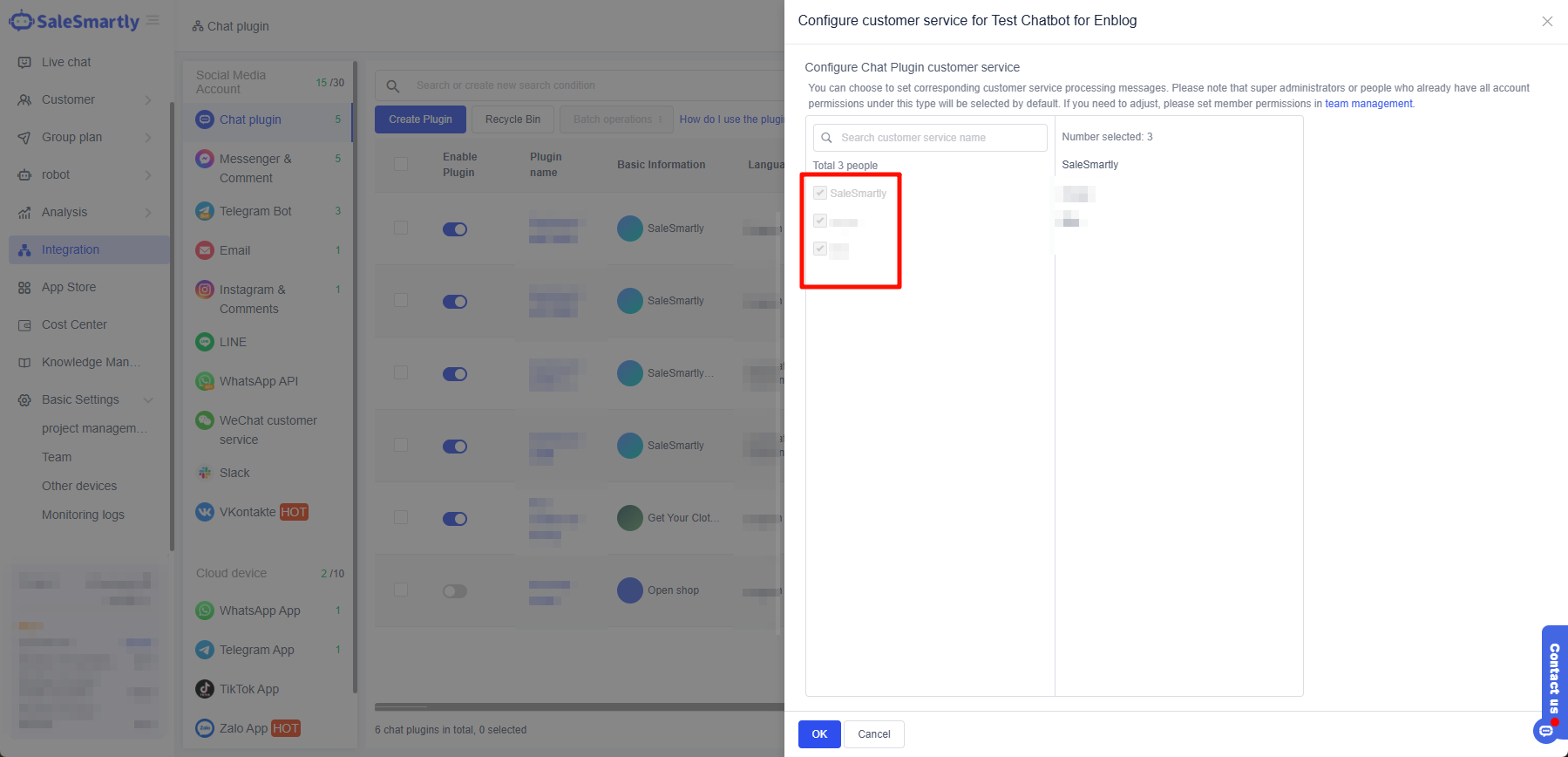
1. The Effect Is as Shown in the Figure
2. Reasons for Not Being Able to Select
The super administrator or this member is assigned social media account rights limited to all social media account rights, so this option cannot be checked.
3. Unable to Select Solution
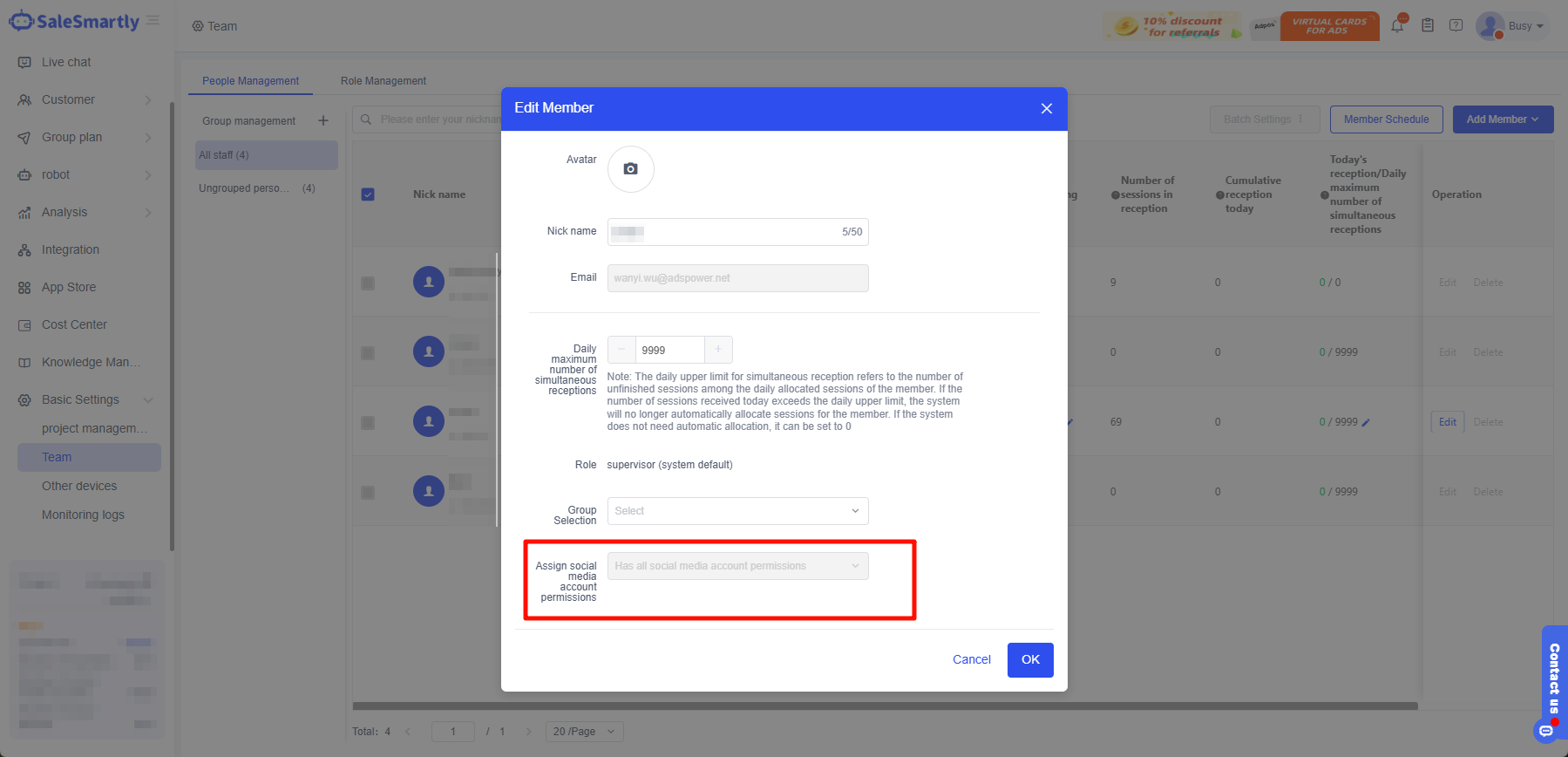
3.1 Step 1: Adjust Account Permissions
Go to Basic Settings - Team - People Management - find the person you need to edit and click Edit, change Assign social media account permissions to Customize social media account permissions, and finally click Save.
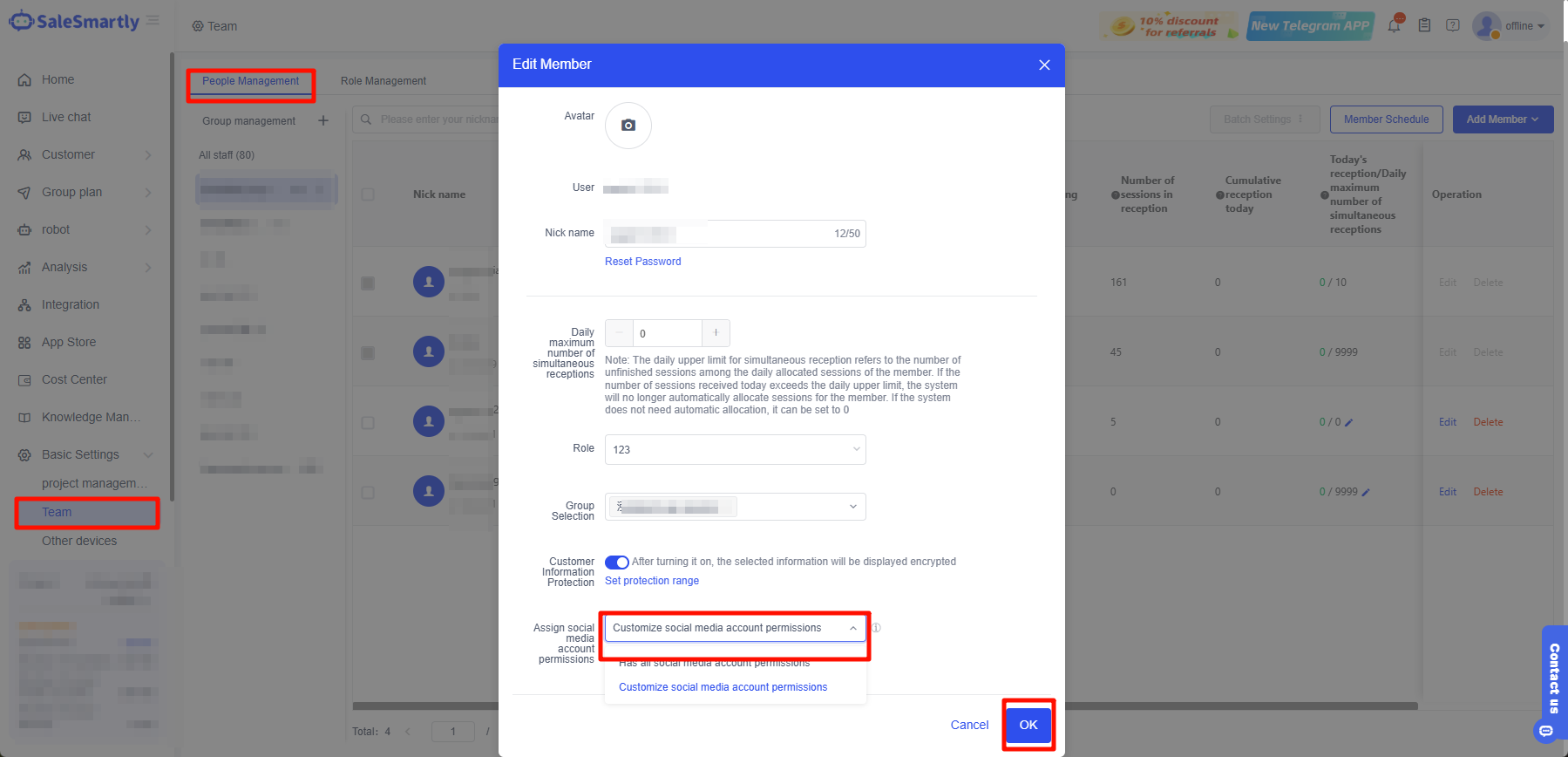
3.2 Step 2: Update Configuration
Return to the integrated configuration customer service, and uncheck the optional status.