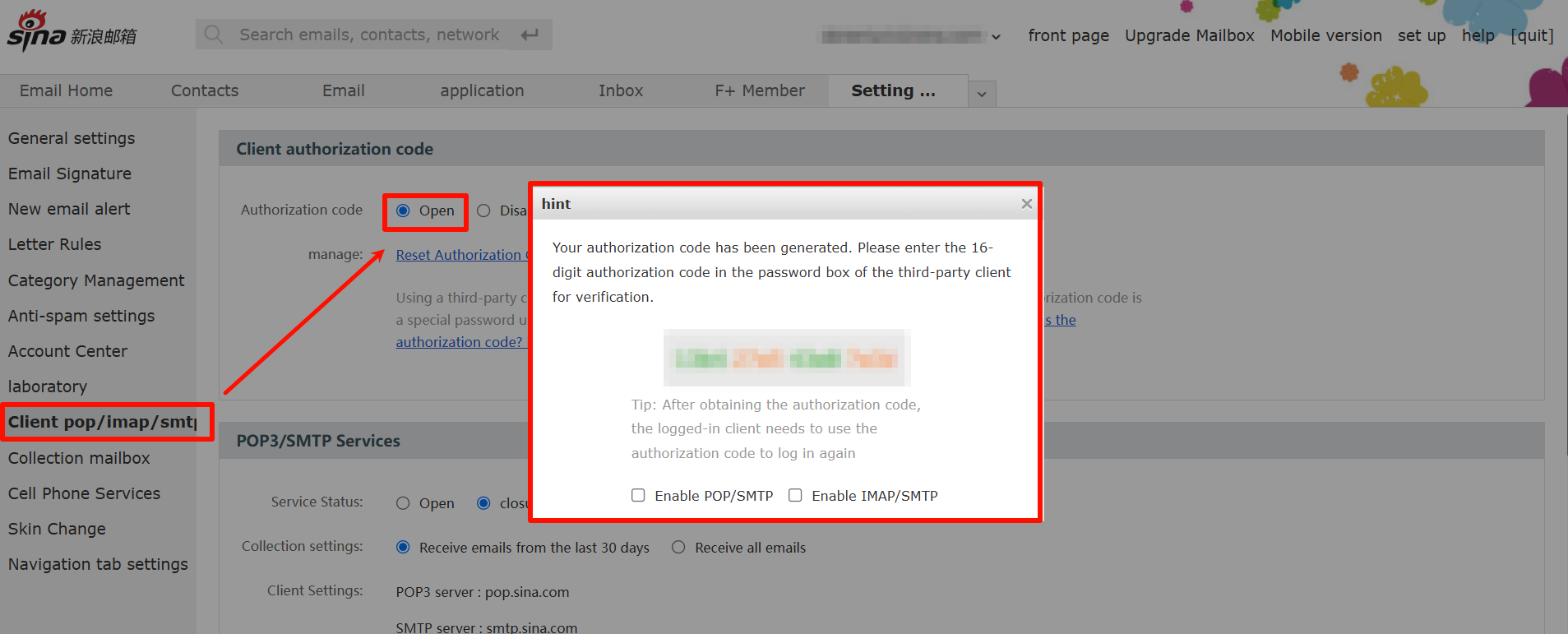
Get Auth Code
Enable IMAP/SMTP, send code, and get authorization code for SaleSmartly.
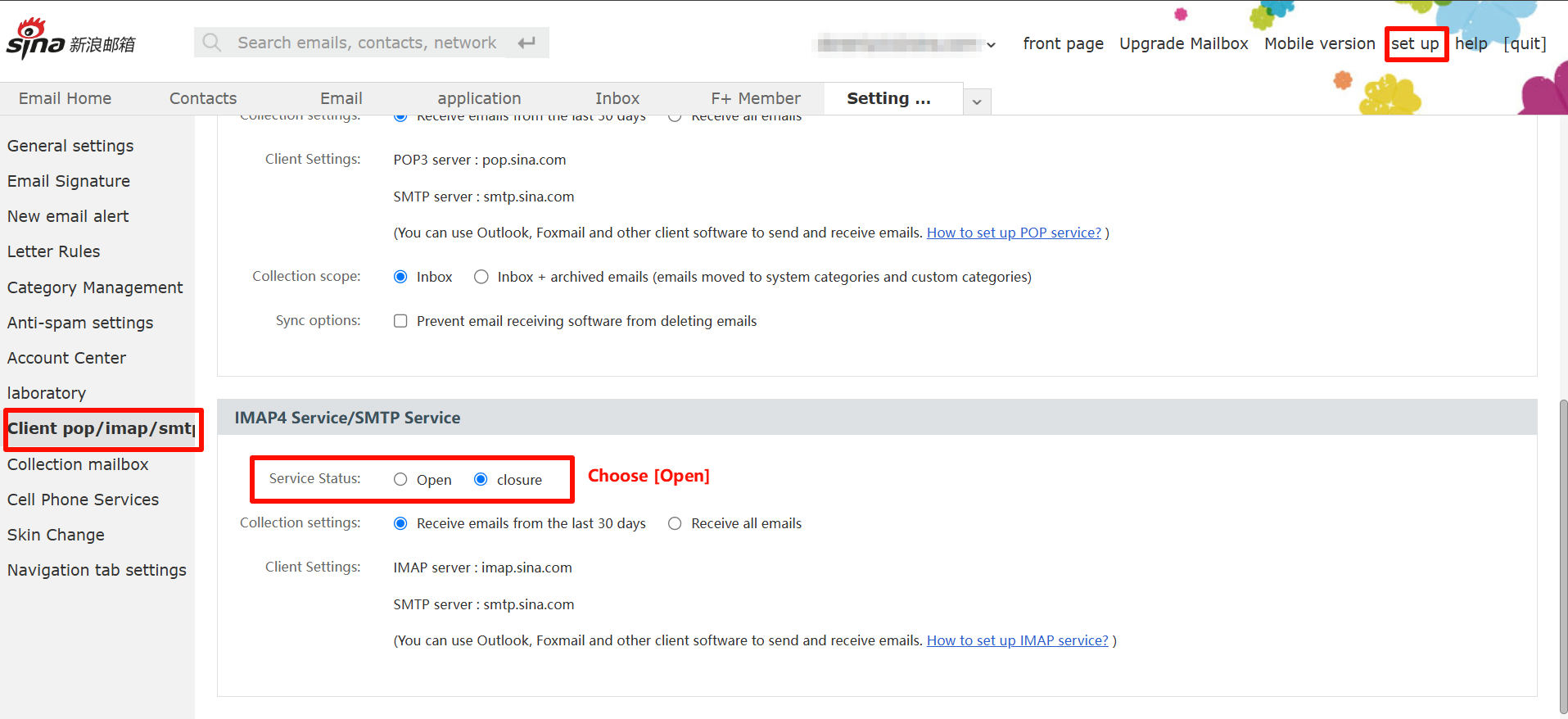
1. Enable IMAP/SMTP Service
Settings - Client POP/IMAP/SMTP-IMAP4 Service/SMTP Service - Select Open for Service Status.
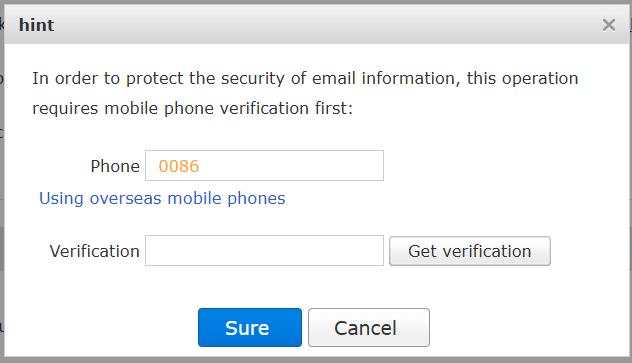
2. Send Verification Code
Send the verification code (the content is not fixed) according to the pop-up prompt and click Sure after sending.
3. Get the Authorization Code
Click on Client authorization code and choose Open. (i.e., the content in the red box, just return to SaleSmartly and fill in the corresponding authorization code).