Telegram Group Messaging
1. Introduction to Telegram Group Messaging with SaleSmartly
SaleSmartly provides the Telegram App group messaging function. Please refer to the following tutorial to quickly learn how to use SaleSmartly for the Telegram App group messaging.
Notice: You can only send group messages to customers/groups/channels that have contacted you on the Telegram App. You cannot send group messages to customers you have not communicated with!
2. Connect Your Telegram App
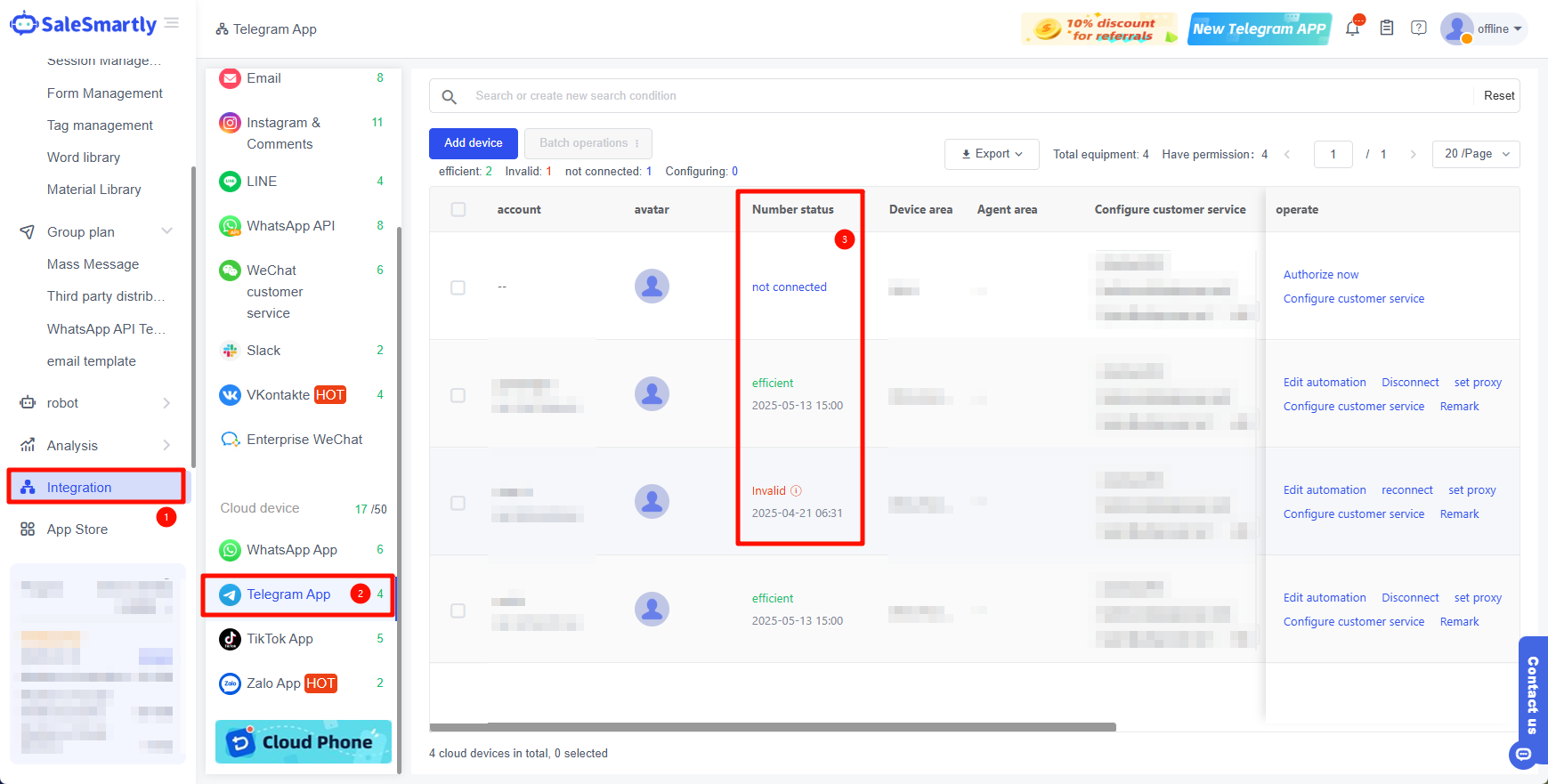
Before sending group messages, you need to integrate your Telegram App into the SaleSmartly platform.
For the integration tutorial, please see: How to integrate Telegram App device?
3. Check the Contacts
Please make sure that the client list has Telegram App contacts.
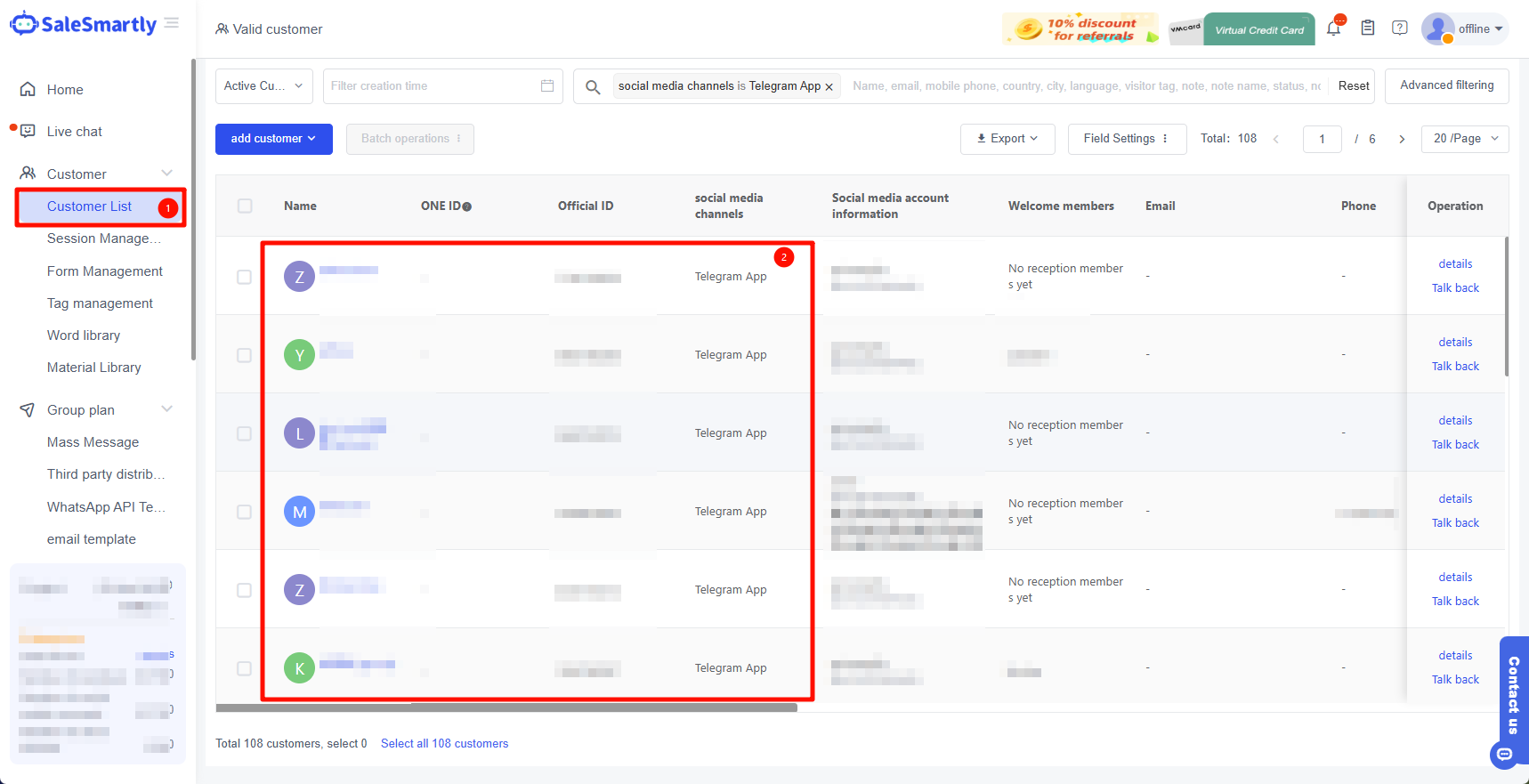
Notice: Please ensure that your social media account status is valid.
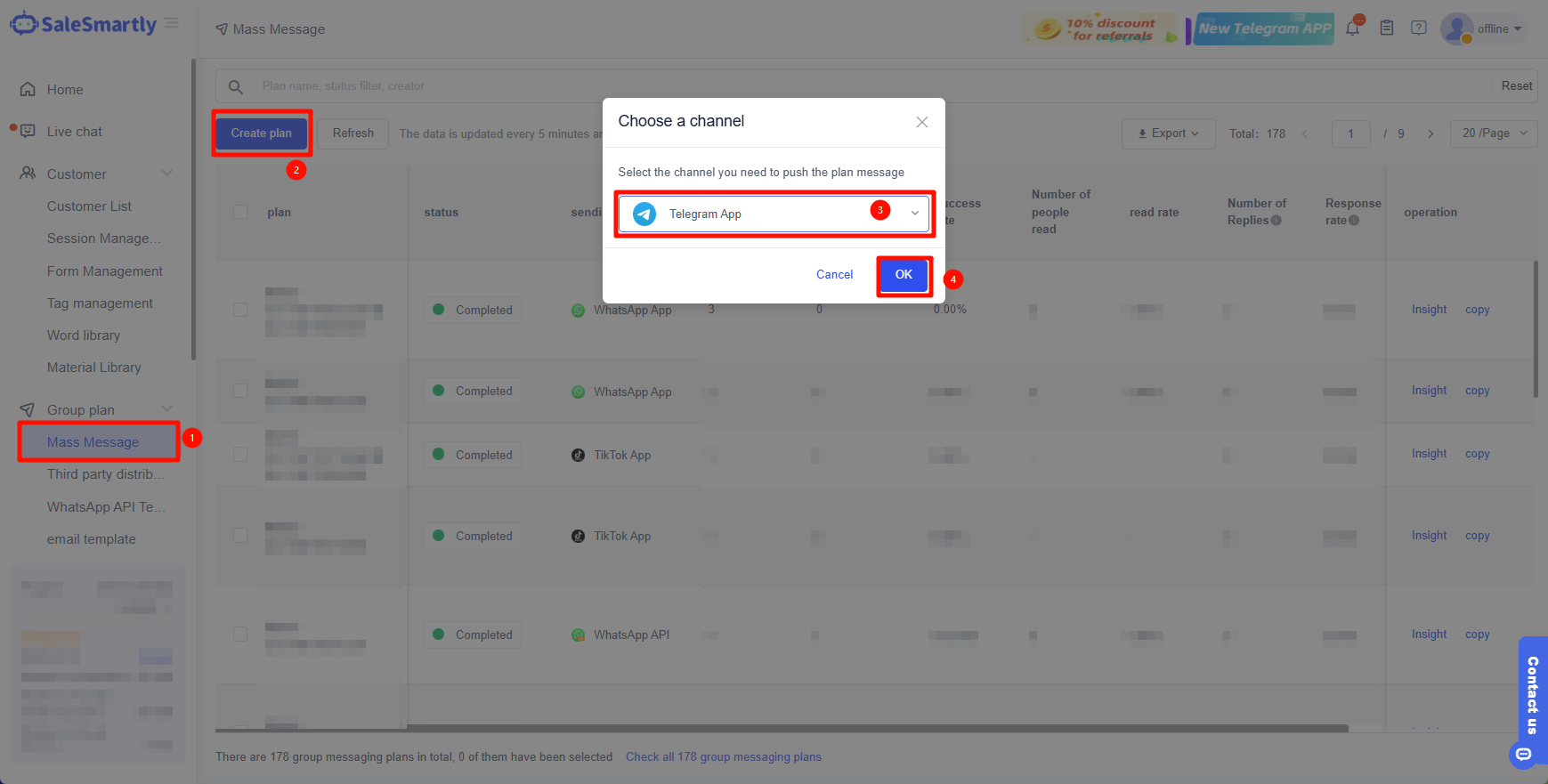
4. Create a Group Message
In Group Plan - Mass Message - Create Plan - select Telegram App channel.
5. Bulk Message Settings
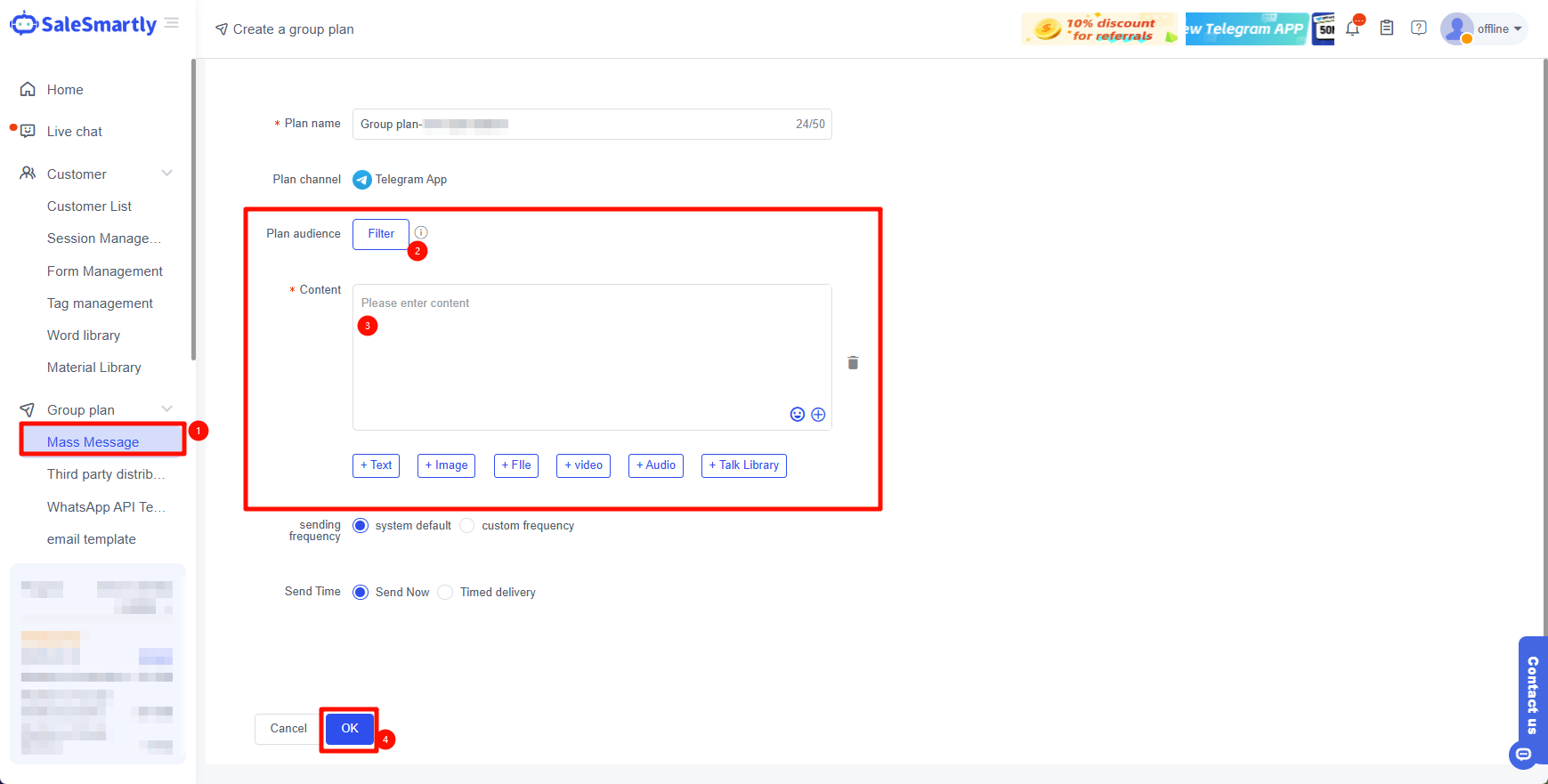
5.1 Plan Configuration
Plan Name: Enter the name of your current group messaging plan, which must not exceed 50 characters.
Send to: Select the customer you want to send to.
Send content: Fill in the content you need to send here, supporting pictures, attachments, videos, audio and video.